How Long Should a Laptop Last and When Is It Time to Let Go?

Image Source: freepik.com/catalyststuff
How long should a laptop last?
A question that usually pops up when your once-speedy machine starts taking forever to boot up or can’t keep up with simple tasks. Whether you use your laptop for work, college, or casual browsing, it plays a central role in your routine. So when things slow up or start glitching, it’s natural to wonder if it’s time for an upgrade or just a quick fix.
Unlike desktops, laptops are built for convenience. They’re slim, portable, and packed with power. But that portability comes with trade-offs. They’re more prone to wear and tear, harder to upgrade, and often more expensive to repair. That doesn’t mean your laptop has a short shelf life, but it does mean there’s a realistic limit.
In this post, we’ll discuss how long a typical laptop lasts, signs that it might be time to move on, and how to get the most out of your current machine before saying goodbye.
So, How Long Does a Laptop Lasts?
Laptops have undergone an immense transformation over the years, as have trends and tech innovations.
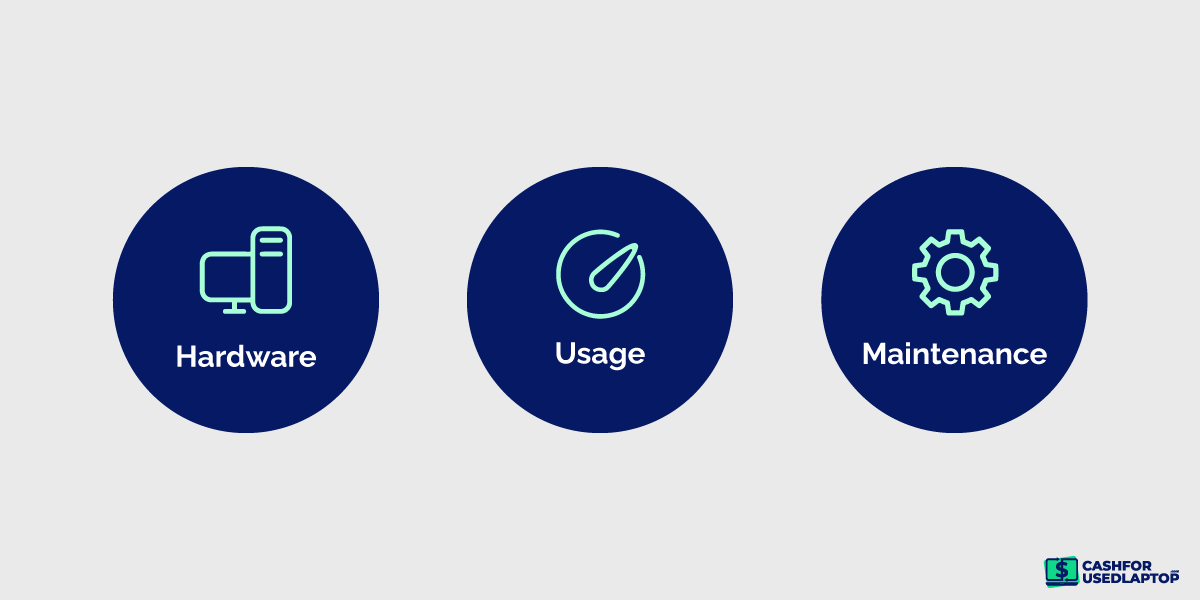
Usually, laptops last between 4 to 5 years, but they can last even longer depending on a few factors such as:
-
The quality of your laptop’s hardware
-
How and what you use your laptop for
-
How well you maintain your laptop
These factors look simple on the surface, but they can significantly affect your laptop’s lifespan.
Let’s break down these factors to better understand them.
How the Quality of the Hardware Affects a Laptop’s Lifespan
Not every laptop is built to last the same amount of time. The internal components, like the memory, storage, and battery, play a huge role in performance and longevity. Whether you prefer Windows or Mac, these parts will impact how smooth your experience is and how soon you’ll need an upgrade. Laptops with better hardware tend to cost more upfront, but they usually stay reliable for longer.
On the other hand, checking these specs can help you avoid machines that are too outdated or too worn down for regular use, or determine the laptop’s resale value if you’re selling it.
RAM (Memory)
Your laptop’s RAM determines how quickly it can handle multiple tasks. Think of it as a digital workspace; the more space it has, the more it can do at once without slowing down. If you like to keep lots of browser tabs open or run apps like Photoshop or Excel simultaneously, having enough RAM is essential.
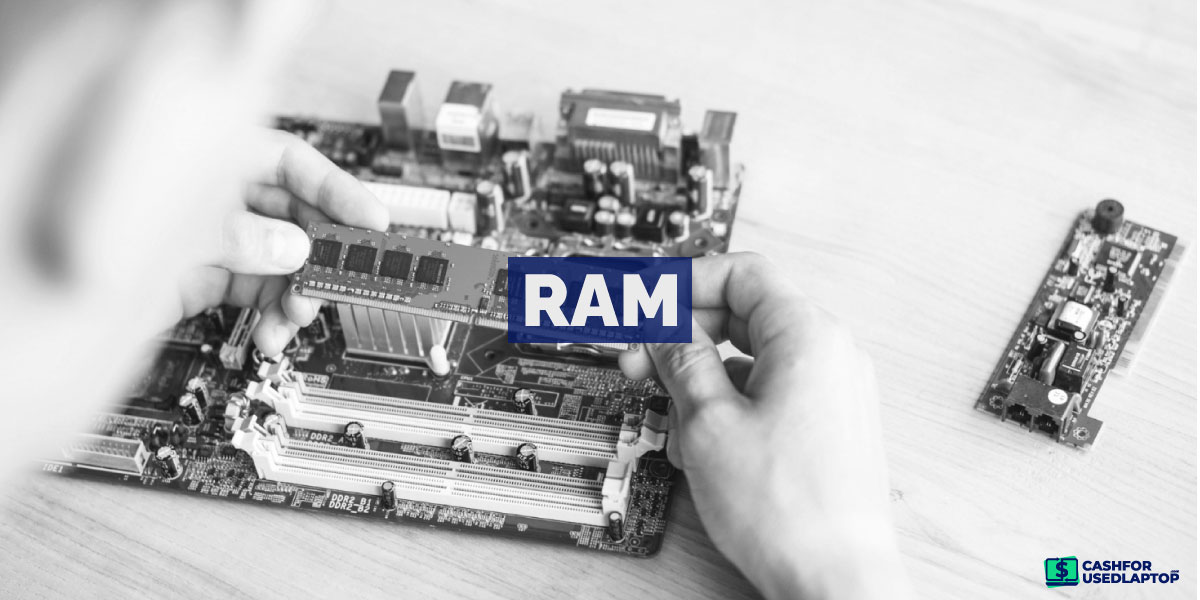
Most modern laptops come with 8GB or more, which is ideal for general use. Some allow upgrades, allowing you to extend your laptop’s useful life. If you’re buying a second-hand laptop, make sure it has enough RAM to support the software you’ll be using.
Storage (HDD vs. SSD)
Storage determines how many files you can save and affects your laptop’s speed. Traditional hard disk drives (HDDs) are slower and more fragile, while solid-state drives (SSDs) are faster, quieter, and more reliable. SSDs also have no moving parts, which means they’re less likely to fail from wear and tear.
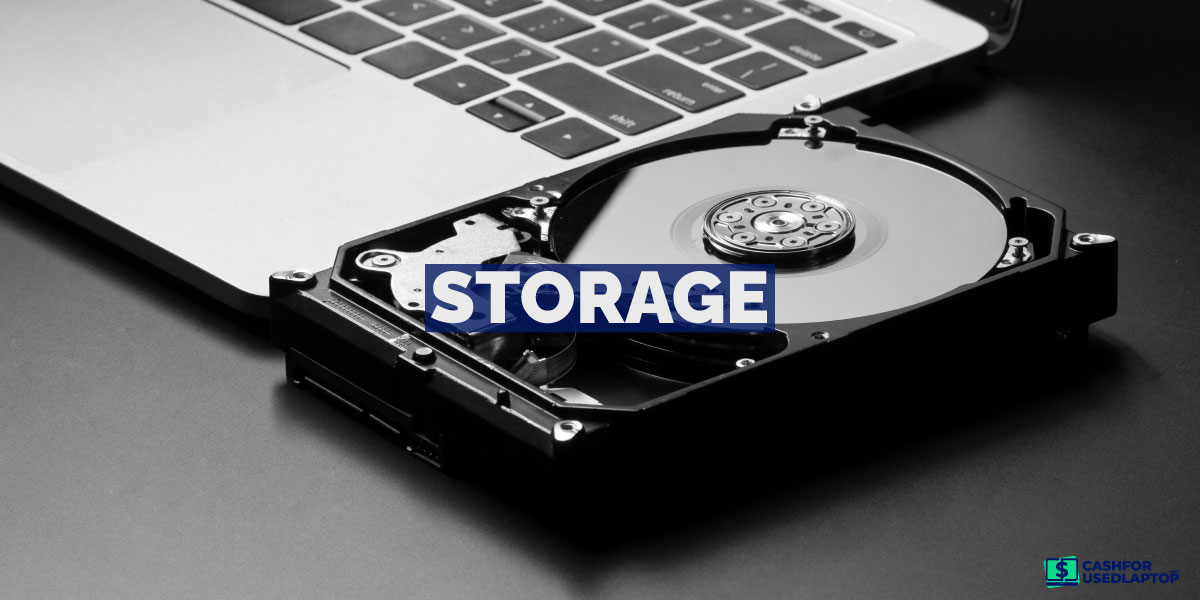
An SSD is a smart choice if you want faster boot-up times and smoother performance. Many newer laptops come with SSDs pre-installed, but even older models can often be upgraded. It’s a worthwhile investment if your laptop feels slow but still works well otherwise.
Battery Health
Laptop batteries don’t last forever. In fact, they’re often the first thing to show signs of aging. Most are built for about 500 full charging cycles, that’s going from 100% down to 0% and back up again.
After a few years, you may notice your battery draining faster or not charging fully. While you can’t completely stop battery aging, you can slow it down. Caring for your battery not only improves your daily use but also extends your laptop’s overall lifespan.
Tips to extend your laptop’s battery life:
-
Use sleep or hibernate mode when not in use
-
Close unused apps and background processes
-
Activate battery saver mode if available
-
Lower screen brightness and turn off backlit keyboards
-
Disable Wi-Fi and Bluetooth when not needed
-
Avoid using your laptop on soft surfaces that trap heat
-
Don’t worry about overcharging, as modern laptops stop charging once full
-
Replace the battery once it drops to half its original capacity
How Your Lifestyle Impacts Laptop Longevity
Sure, specs matter — but the way you use your laptop day in and day out has just as much to do with how long it sticks around. Whether you’re gaming for hours, running complex software, or just browsing the web, your habits directly affect wear and tear.
Let’s take a look at a few common user types and how their routines shape a laptop’s lifespan.
Power Users
Power users are the multitaskers of the laptop world like developers, designers, and yes, even students, juggling Zoom calls, PDFs, and design software. These folks need fast processors, plenty of RAM, and enough storage to run heavy programs without crashing.
The best laptops for students in demanding fields like engineering or design often overlap with those made for pros. If maintained well (regular updates, cleaning, and maybe an SSD upgrade), these laptops can easily last five to seven years before needing a replacement.
Gamers
Gaming laptops are in a class of their own. Designed to handle high graphics, fast refresh rates, and non-stop use, they’re usually built with high-performance parts that generate a lot of heat. That means more wear if not properly cooled or cleaned.
But with careful maintenance, such as using cooling pads and cleaning the fans, a good gaming laptop can last seven to eight years. Some serious gamers even modify or custom-build their own machines to get the most power and flexibility.
Entrepreneurs and SMB Users
If you’re using your laptop to manage your online store, run spreadsheets, send emails, and join the occasional video call, you don’t need a powerhouse. Mid-range laptops get the job done efficiently without the premium price tag.
For remote workers and freelancers, the perfect laptop for digital nomad life is one that balances power, portability, and battery life. With regular maintenance and mindful use, a solid business laptop can last six or more years.
Home and Casual Users
If your laptop mostly comes out for watching Netflix, online shopping, or checking email, you’re in luck because you don’t need the latest or most powerful model. Basic laptops built for casual use often last longer than expected simply because they’re not under constant stress.
If you keep it cool, charge it properly, and avoid physical damage, you could enjoy five years or more of smooth performance.
The Real Value of Laptop Maintenance
Your laptop might be built with smart tech, but it still needs regular care, just like any other machine in your life. Whether you own a premium model or something basic, how you treat your device will determine how long it stays in top shape.
Luckily, there are various steps you can take to extend your laptop’s life and save yourself from costly repairs down the line.
1. Stay Up-to-Date
Operating system updates change the entire look of your desktop, but that’s not the only thing they do. These updates are packed with security improvements, bug fixes, and support for newer apps and features. However, every new update demands a bit more from your hardware. On newer laptops, these updates usually run smoothly. But older machines? Not always.
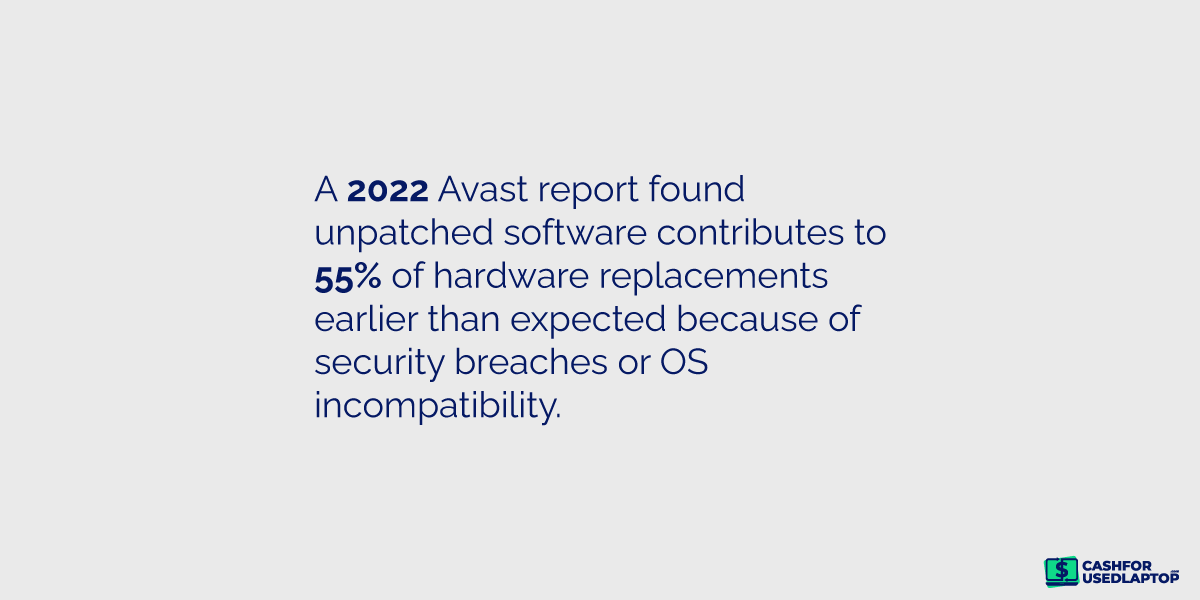
If your laptop is several years old, an OS update might slow it down, drain your battery faster, or cause glitches. Once your device hits the 8- to 10-year mark, it might not support the latest updates at all. That’s usually a sign it’s nearing the end of its run.
2. Install an Antivirus Program
No matter how careful you are online, your laptop is always at risk of viruses and malware. One wrong click on a suspicious link or a fake download could introduce harmful software that messes with your files, slows down your system, or compromises your personal data. Whether you’re selling or recycling, data security should be your top priority.
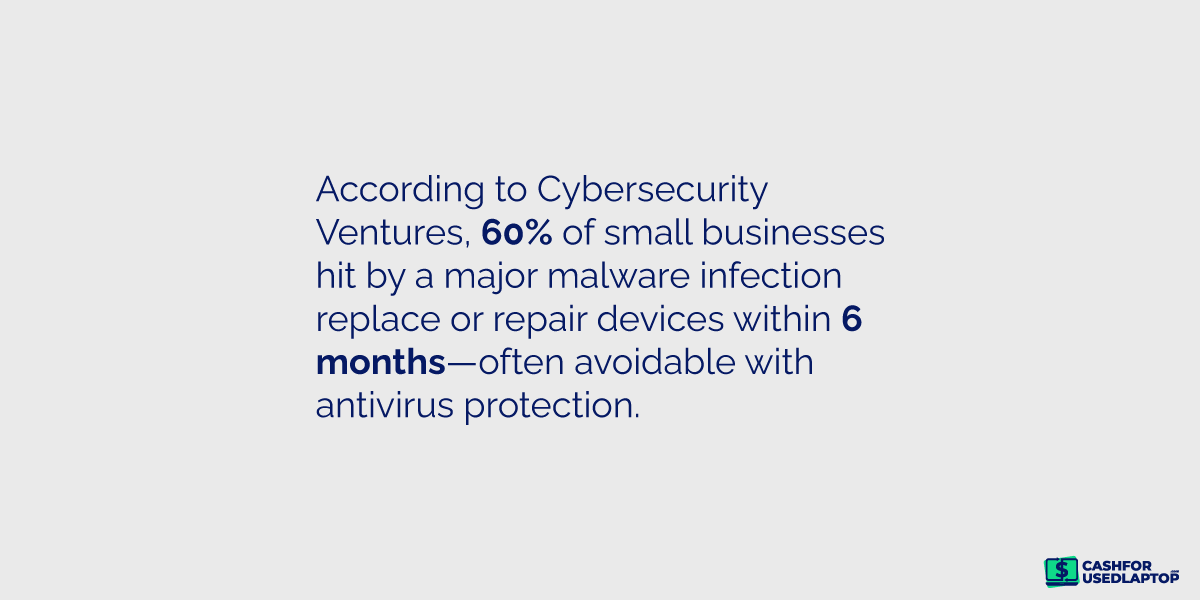
Installing a reliable antivirus program is one of the easiest and most effective ways to protect your device. Some of your best choices include Bitdefender, Norton, and TotalAV. Many of the best programs run quietly in the background and offer daily scans. If you’re not sure your laptop is clean or has been acting strangely, don’t ignore it. Instead, get it checked by a pro before things get worse.
3. Keep Drinks and Liquids Away
Coffee near your laptop? You’d better think twice. Spilling any liquid, even water, on your keyboard can lead to serious internal damage. Liquids can short-circuit parts, ruin the motherboard, and leave you with a repair bill that’s higher than what the laptop is worth.
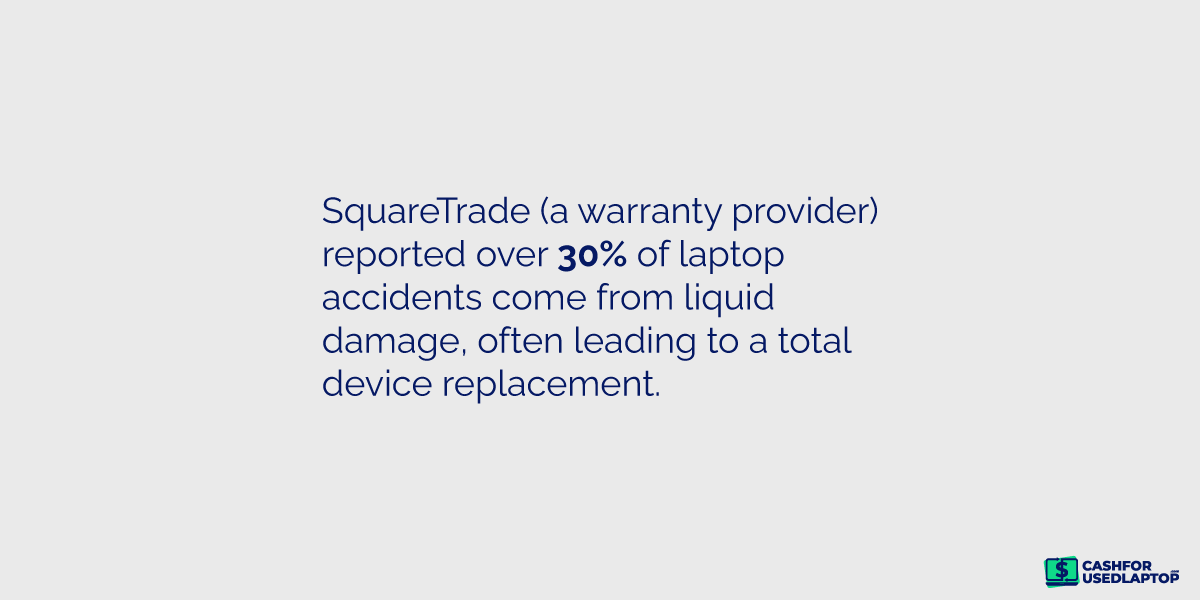
If an accident happens, the key is to act fast: turn the laptop off, unplug it, and take it to a technician immediately. The faster you respond, the better the chances of saving it. Best advice? Keep drinks at arm’s length and avoid working with your laptop directly on a kitchen counter or dining table.
4. Protect from Fur, Dust, and Overheating
It’s easy to overlook, but where you keep your laptop also matters. Dust, pet hair, and lint can find their way into your device’s vents and fans, clogging up the system and causing it to overheat. This puts extra stress on the hardware and shortens its lifespan.
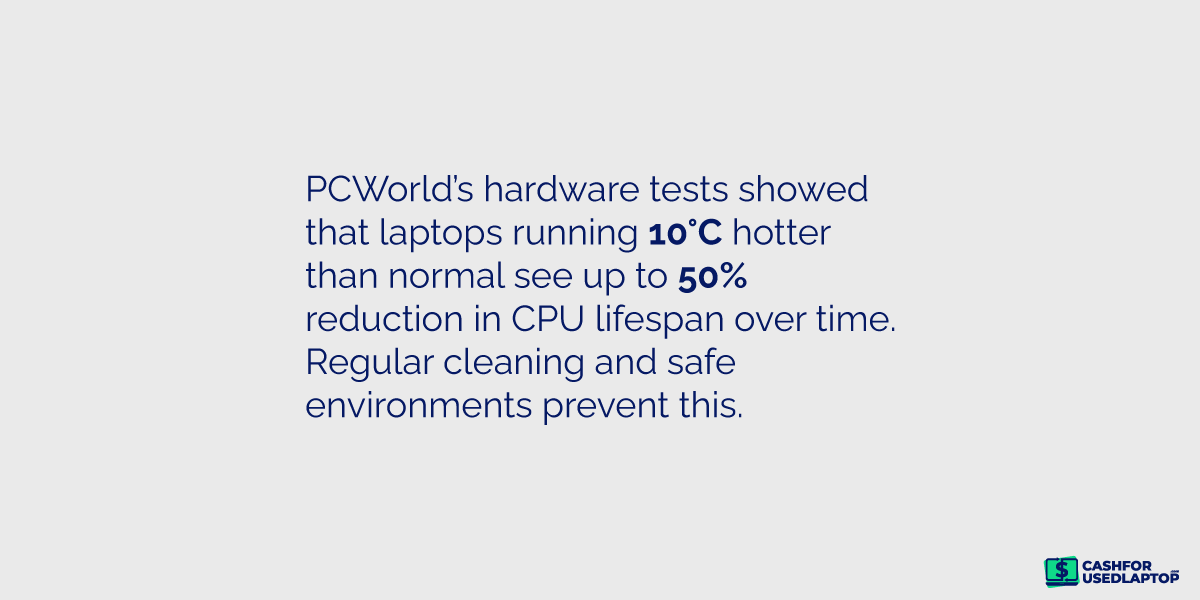
If you live with pets or work in a dusty environment, try using your laptop on a raised surface — not your bed or carpet. Make it a habit to clean the vents with compressed air every few months. This small step makes a big difference in keeping your machine running cool and smooth.
Laptop Aging Signs to Watch Out For
So, when is the best time to let go and sell your old laptop?
Here are the most common red flags that your laptop may be on its last legs.
-
Battery drains quickly or won’t hold a charge: Laptop batteries naturally degrade over time. If your device barely lasts an hour unplugged or shuts off the moment it’s disconnected from the charger, it’s a clear sign the battery is wearing out.
-
Overheating becomes frequent: Excessive heat usually means your cooling system is struggling. Dust-clogged fans, dried-out thermal paste, or blocked vents can cause your laptop to run hot and put internal components at risk.
-
Performance slows down or random shutdowns occur: A slowing laptop may be throttling performance to manage heat, or it could signal low memory (RAM) or aging components. It’s time for a serious check-up if it shuts down without warning.
-
Display issues like flickering, yellow tint, or dead pixels: Screens don’t last forever. After several years, you might see discoloration, screen flickering, or tiny black spots (dead pixels), all of which indicate that the display is degrading.
-
Repairs cost more than it’s worth: If fixing your laptop regularly eats into your wallet—especially when the cost exceeds 30% of what a new device would cost—it might be smarter to invest in a replacement.
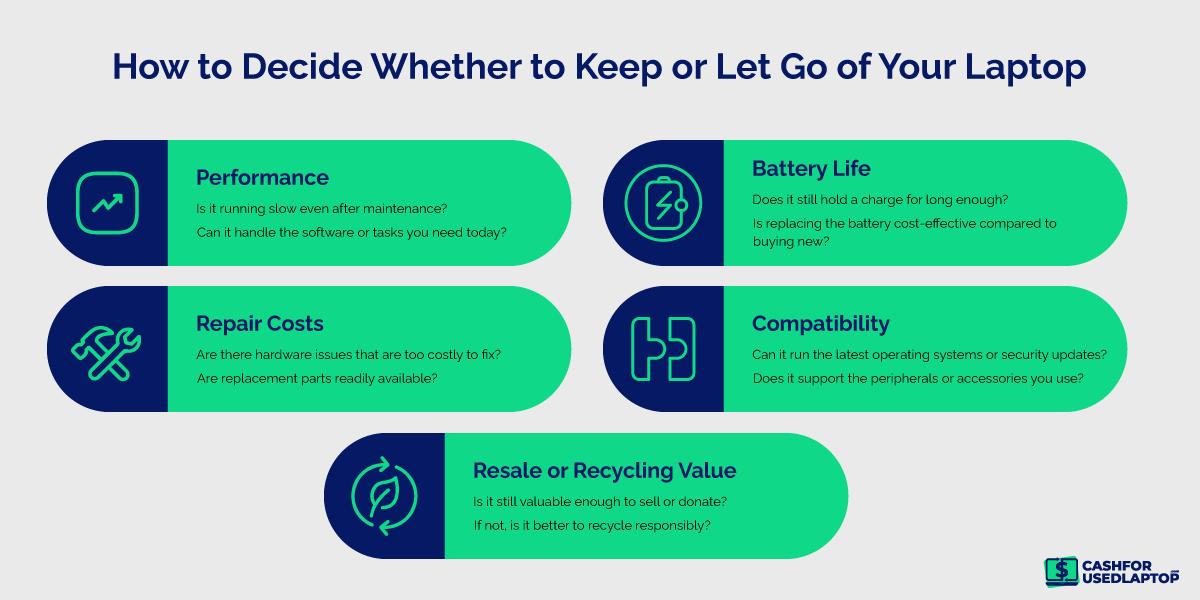
What to Do When Your Laptop Starts Failing?
Is your laptop showing the above-mentioned signs of wear and tear? Don’t panic, you still have plenty of options.
If it’s under warranty, your first step should be to contact the manufacturer. Many brands offer free or discounted repairs if the issue falls within coverage. For out-of-warranty devices, your local repair shop can likely handle common issues like battery replacement, fan cleaning, or screen fixes at a reasonable cost.
But if repairs no longer make financial sense, you’re not out of luck. You can still recoup value by selling usable parts or trade in your entire laptop for quick cash on platforms like CashForUsedLaptop.