Digital Detox 2026: Start the Year by Clearing Out Your Old Devices
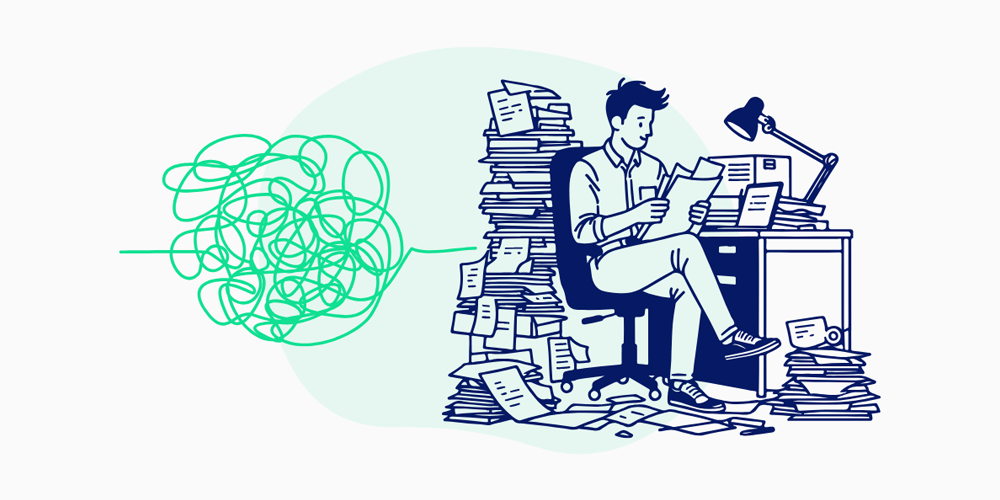
Remember when unboxing a new gadget felt magical — that fresh screen, that new-device smell? Fast-forward a few years, and now you’ve got drawers full of “once-loved” tech collecting dust. Old phones, outdated tablets, random chargers that belong to who-knows-what, it’s like a museum of your digital past.
Well, 2026 is calling, and it’s time for a Tech Detox. Not the kind where you swear off screens and go live in the woods (though tempting), but the kind where you finally deal with all that digital clutter you’ve been avoiding the whole year. This way, you can reclaim your space, refresh your mindset, and do something good for the planet while you’re at it.
Before you start chasing new gadgets and upgrades, let’s take a moment to deal with the tech you already own — get rid of the old, responsibly recycle or resell what you can, and make room for tech that adds value to your life.
Get ready, it’s time to hit the reset button!
The Surprising Benefits of Clearing Out Your Old Device
A new year feels lighter when you start fresh — including your tech. A digital cleanse and ditching old devices are the best ways to reset your space, your mind, and even the planet. Here’s why a tech detox through decluttering makes such a big difference.
1. Less Clutter, More Clarity
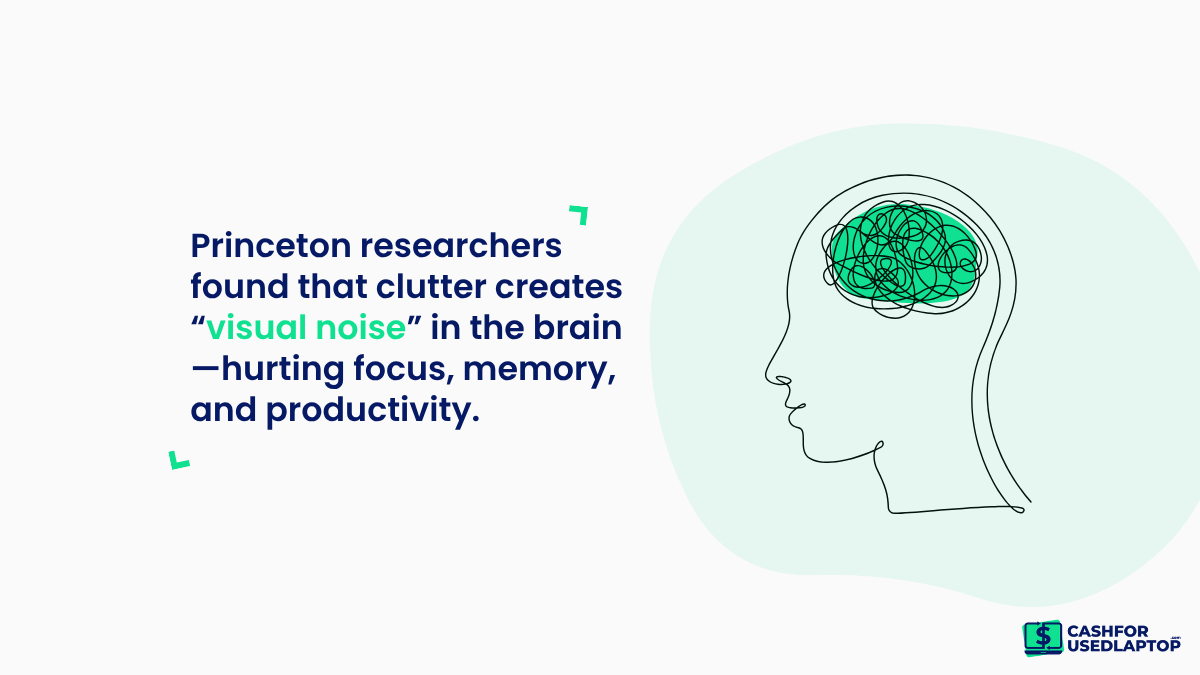
Physical clutter creates mental clutter. A Princeton University study found that too many visual stimuli, such as cluttered desks or drawers, can impact mental performance by reducing focus and increasing stress levels. By clearing out unused devices, you free up both space and headspace, setting the tone for a calmer, more organized 2026.
2. Protects Your Data and Privacy
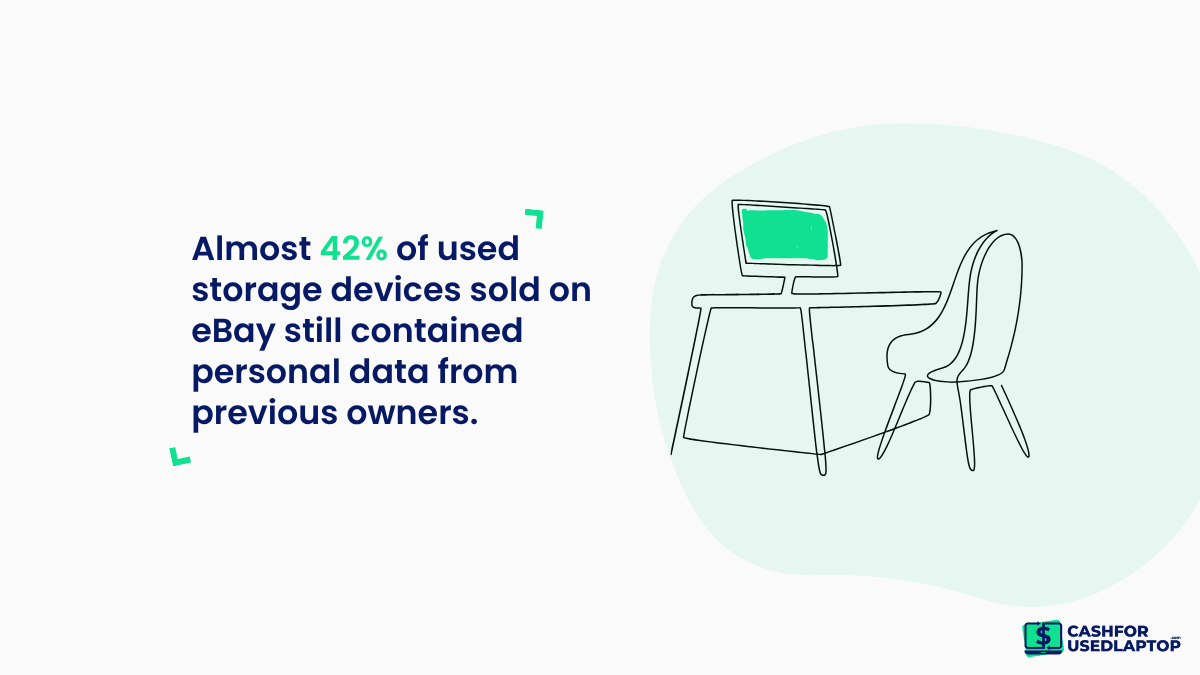
Old phones, laptops, and hard drives often hold sensitive information like passwords, financial details, or personal photos. Wiping and recycling them securely ensures your data doesn’t end up in the wrong hands. Almost 42% of used storage devices sold on eBay still contained personal data from previous owners. Thus, a proper cleanup before you let go of your device safeguards your privacy.
3. Helps the Planet (and Reduces E-Waste)
Every year, the world generates millions of tonnes of e-waste, of which less than a quarter is formerly recycled. Recycling or donating refurbished laptops to those in need bridges the digital divide. It also keeps harmful materials like lead and mercury out of landfills and gives valuable components a second life. A small action can contribute to a much bigger environmental impact.
4. Earns You Extra Cash or Savings
That useless phone in your drawer might still have value. You can sell your laptop or other devices that are no longer in use. Trade-in and refurbishing programs from brands like Apple, Dell, and Amazon Renewed often offer credits or cash for old devices. Even local recyclers may pay for working parts. It’s a win-win situation: you declutter responsibly and get rewarded in the process.
5. Frees Up Space for What Actually Matters
We all have that one drawer or shelf overflowing with bandoned gadgets, including tangled cables and old tech. But that space can be used more intentionally. Whether it’s for home organization or just visual peace, a cleaner environment helps you stay focused and productive. Studies show that organized spaces can boost efficiency and reduce stress.
6. Encourages Mindful Tech Consumption
When you take stock of what you already own, you start to buy more consciously. A yearly tech detox reminds you that not every “new release” is a must-have. It eliminates tech clutter and hoarding habits and promotes sustainable ones— reusing, repairing, and buying only when necessary, which reduces both clutter and waste over time.
7. Gives Devices a Second Life
Donating your still-functional devices to schools, charities, or community programs helps bridge the digital divide. Millions of students and low-income families worldwide lack access to basic technology. Organizations like World Computer Exchange and PCs for People refurbish and distribute donated computers to those in need — turning your old tech into someone else’s opportunity.
How to do a Tech Detox – A Practical, Step-by-Step Plan
A tech detox that focuses on clearing out old devices is both practical and satisfying. Below is a simple, repeatable process you can follow this weekend (or across a few evenings) to inventory, secure, and responsibly dispose of devices — while also cleaning up the digital clutter that comes with them.
Make sure to follow each step in order.
Step 1: Take Stock of Your Old Devices
Start by doing a full sweep of your home: drawers, boxes, closets, backpacks, and those “tech graveyards” beside the TV or under the bed. Pull out smartphones, tablets, laptops, external drives, gaming consoles, routers, smartwatches, earbuds, chargers, and cables.
Now, create a simple inventory (spreadsheet, or notes app) with columns for device type, model, condition (working/broken), whether it powers on, and any important data you think is on it. Labeling boxes or bags as “Recycle,” “Donate,” or “Keep” while you inventory helps speed up decisions later and keeps the process tidy.
Step 2: Back Up and Secure Your Data
Before you part with anything, assume it contains personal info and back it up. For phones and laptops, export contacts, photos, and documents to a cloud service or an external hard drive. Use full-disk backups where possible and verify that the backup can be opened. Once data is safely stored, sign out of accounts and remove device authorizations (email, banking apps, social logins).
Finally, perform a factory reset or use secure-wipe utilities for hard drives and SSDs to overwrite data — this prevents personal files from being recovered if the device is sold, donated, or recycled. In any case, you mustn’t ignore data security.
Step 3: Recycle, Refurbish, or Resell
Decide each device’s best end-of-life path. If it’s in good working order, consider selling it. You can also consider trade-in programs that pay cash or credit for trade-in deals.
Devices with some functionality are great donations to schools or local charities. For broken or obsolete gear, find certified e-waste recyclers or manufacturer take-back programs to ensure components are handled safely and toxic materials don’t leach into landfills. Refurbishers and certified programs also reclaim parts for reuse, extending the device lifecycle and reducing environmental harm — a smarter choice than throwing tech in regular trash.
Step 4: Simplify Your Digital Life
While your hardware is getting sorted, tidy the digital side too. Delete duplicate photos, archive old documents, and uninstall apps you never use. Clean up cloud storage—organize folders, remove obsolete backups, and consolidate accounts where practical.
Turn off or batch nonessential notifications so devices don’t constantly pull your attention. Set small, sustainable habits for 2026: a weekly inbox tidy, monthly photo culls, and scheduled screen-free hours. These routines keep digital clutter from returning and make future physical tech cleanouts far less painful.
Step 5: Upgrade Smartly, Not Impulsively
If you’re replacing devices, pause before buying new. Assess what features you actually need versus what’s trendy marketing. Consider refurbished or certified pre-owned models to save money and reduce waste.
When you do buy new, prioritize durability, repairability, and software support longevity so the device lasts longer and creates less e-waste. Trade-in programs can offset cost and ensure your old device is reused responsibly. Ultimately, thoughtful purchasing—quality over quantity—reduces clutter, cuts long-term costs, and lowers your environmental footprint.
Strategies to Implement a Tech Detox
There’s no one-size-fits-all approach to a tech detox — the best method is the one that helps you reset your habits and manage your devices more mindfully. Whether you’re clearing out old gadgets or redefining your digital routine, here are a few tried-and-true strategies to get started.
1. The Digital Declutter (Cal Newport Method)
Created by author Cal Newport, this method focuses on stepping back from all non-essential technology for 30 days. During this break, you remove apps, devices, or platforms that don’t genuinely serve you. After the detox period, you selectively reintroduce only what adds value—whether your laptop for work or your tablet for creativity. Cal Newport’s Digital Minimalism isn’t about quitting tech; it’s about curating your digital tools to align with your goals.
2. The One-In, One-Out Rule
A classic minimalist strategy that works beautifully for tech. For every new gadget you buy, one old device must go — recycled, donated, or resold. The One In, One Out Rule keeps your space clutter-free and prevents the endless pileup of unused electronics. It also encourages conscious consumption: you start thinking twice before upgrading, knowing something else has to make way.
3. The Right to Repair Approach
Instead of replacing devices at the first sign of trouble, the right-to-repair approach promotes repairing and extending the life of your gadgets. Inspired by the global Right to Repair movement, it’s cost-effective and sustainable. Many sites like iFixit and community repair events help users fix their devices instead of discarding them. You save money, reduce e-waste, and take back control of your tech lifespan.
A Fresh Start for You and the Planet!
Completing a tech detox by clearing out old devices gives you a cleaner home and head and the satisfaction of doing something positive for the environment. Responsibly disposing of, donating, or reselling gadgets keeps hazardous materials out of landfills and helps someone else gain access to technology. Emotionally, the act of decluttering signals a fresh start—perfect for a new year ritual.
So, as 2026 begins, embrace your tech detox as a yearly tradition—one that refreshes your space and mindset and makes you a little mindful of the tech you choose to keep.