Tech Minimalism: Why Startups Are Ditching the Hardware Hoard
Image Source: freepik.com/pikisuperstar
Startups work on a tight rope, and in the rush to scale, they forget to pay attention to the old hardware that keeps on collecting. That includes spare laptops, monitors, and old servers and cabinets full of chargers that are no longer in use.
Excusing the hoard by saying it is backup equipment that no longer works. The so-called backup equipment has turned into digital clutter, and startups are getting rid of it.

Image Source: pexels.com/Lorena Villarreal
What Is Tech Minimalism?
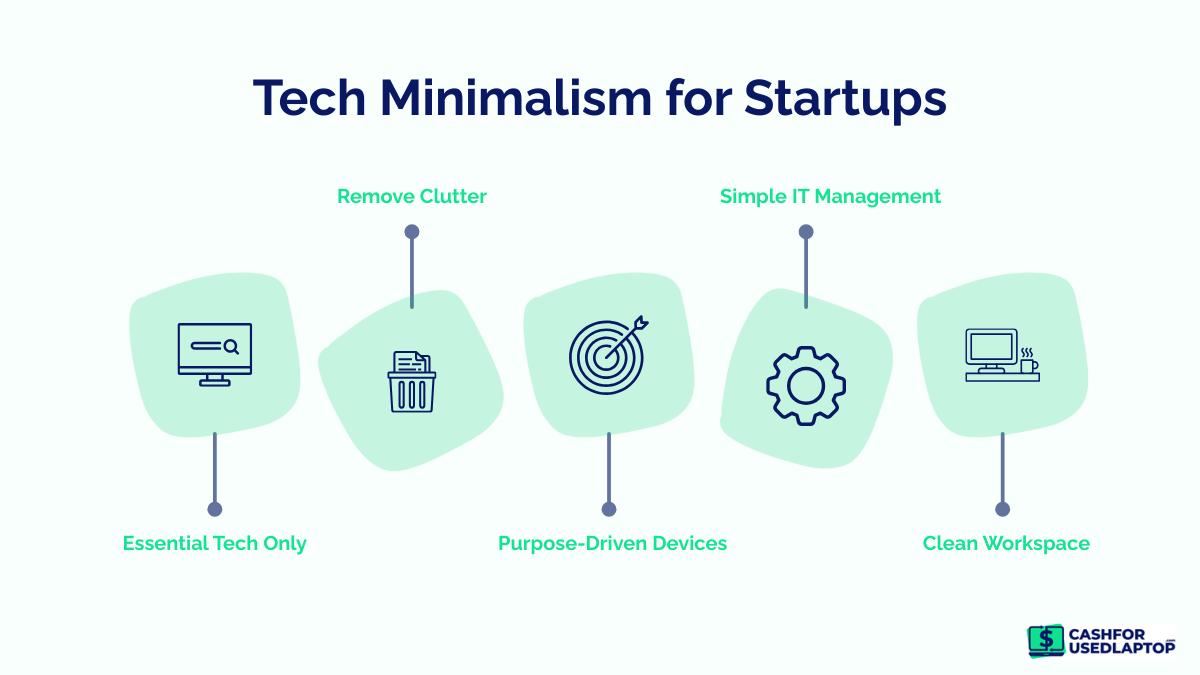
Much like general minimalism, tech minimalism is the practice of using only the essentials. A tech-minimalist startup uses only hardware that adds real value to your work, rather than just taking up space. Instead of stocking up on hardware just for an unlikely need to arise, startups should let go of anything that no longer serves a purpose.
For startups, this approach creates a space that is a lot lighter, faster, and easier to manage. If startups let go of the hoard it would mean:
- Less time spent on troubleshooting old equipment
- Lower IT maintenance and storage costs
- Fewer security risks from forgotten devices
- A cleaner, more focused environment for teams
The idea behind tech minimalism isn’t to strip everything down, but it is to make sure that every tech you own has a clear purpose.
Why Are Startups Ditching Excess Hardware?
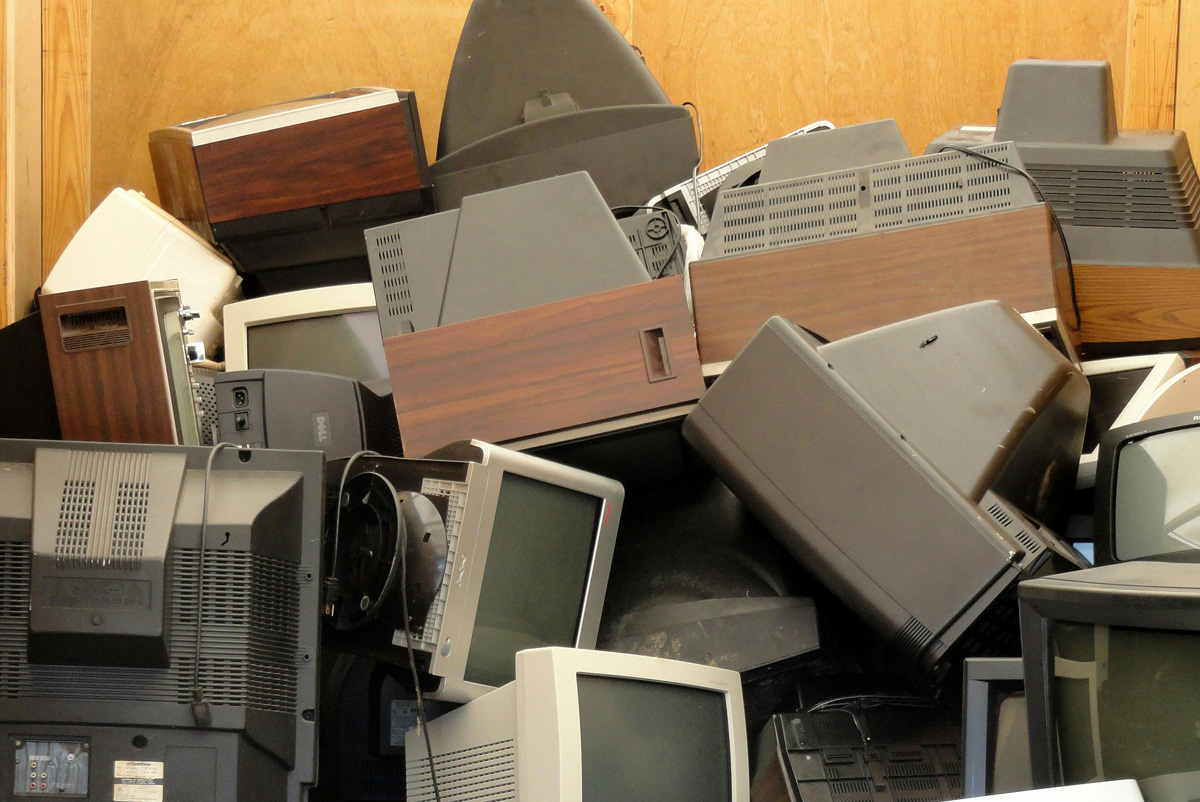
Image Source: pexels.com/oscar Williams
Lately, startups have been rethinking their hardware usage. Too many devices show companies down. If you are trying to grow fast, the baggage of extra hardware becomes challenging to manage, another thing to store and repair.
Cost Control
Startups are mostly running on tight budgets and controlling costs when hoarding devices becomes difficult. This is because old devices need repairs, licences, and storage. By cutting down on devices, startups get the opportunity to invest in tools that will aid their growth.
Hardware Replacements
In many cases, Hardware devices have been replaced by cloud computing. You no longer need backup drives, old CPUs, or external devices when data can be easily stored online on clouds, which is accessible from anywhere in the world, making day-to-day work more accessible.
Security Risks
When you have a lot of old devices lying around, it is difficult to keep track of them and the data on them. If not disposed of properly, these devices can become a case for data breaches.
Evolved Hardware Needs
Startups are changing the way we work, and now they offer flexible and even remote work. This means the need for large offices full of equipment has been minimized. Teams now prefer portable setups that can move where the team members move.
How Harmful Is Hardware Hoarding?
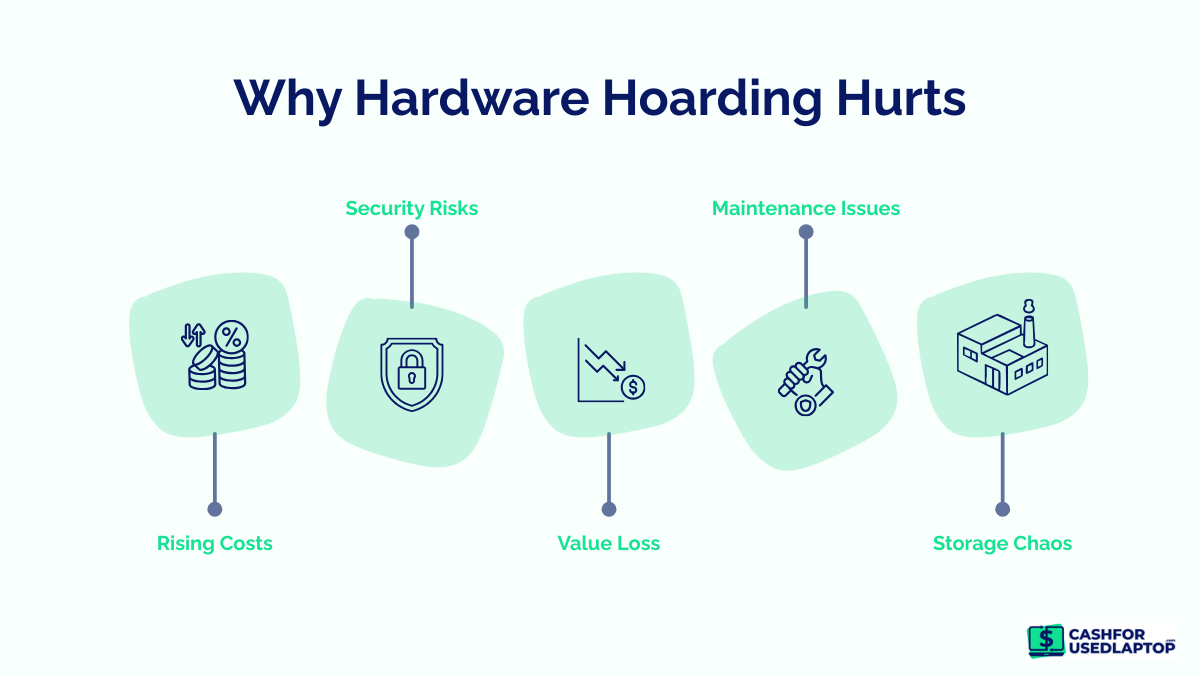
On the surface, hoarding old hardware does not seem like a crime. These devices are forgotten in storage rooms, office corners, and cupboards. And over time, start creating big problems for startups.
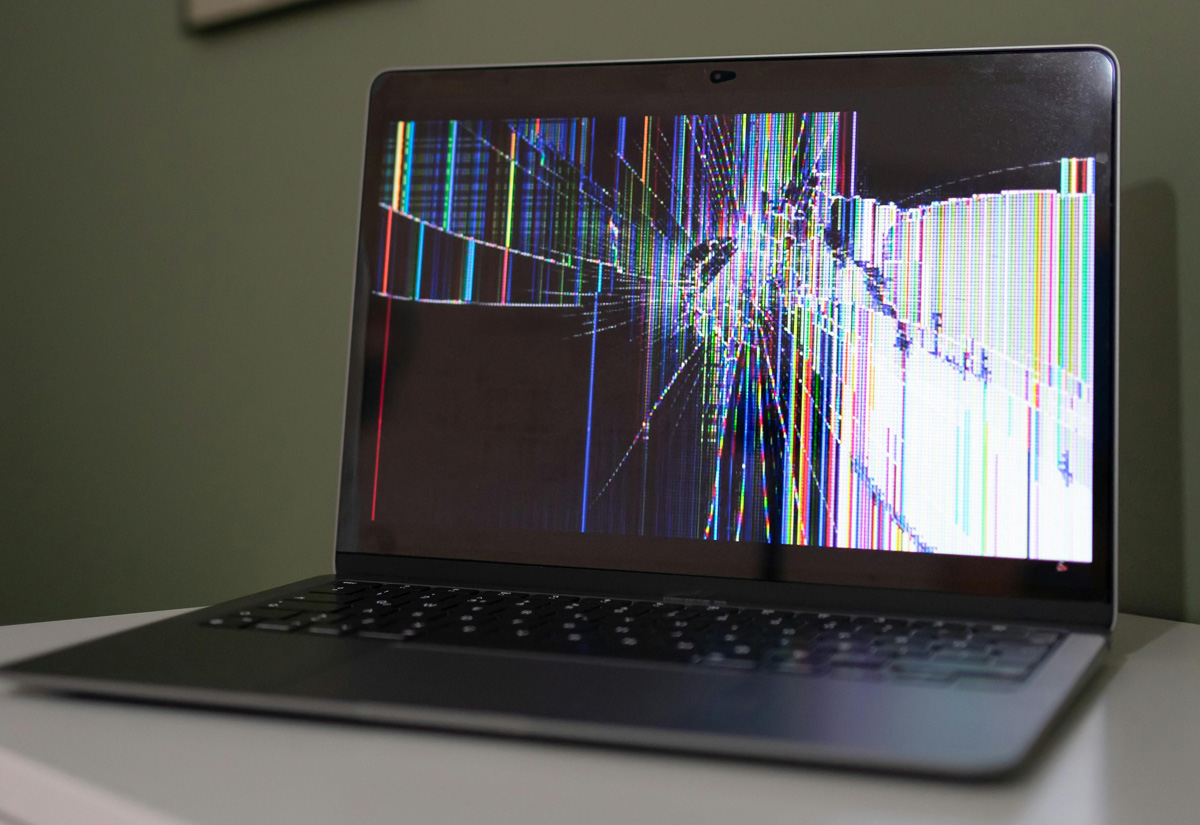
Image Source: pexels.com/Beyzanur K.
Let’s just look at the journey of one extra laptop.
It all begins with good intentions. One team member upgrades to a new laptop and retires the old one. But since the old one still works, no one wants to throw it away. So it is put back into the sleeve and tucked away in the drawer.
Slowly, the problems begin.
1. First, it becomes invisible.
As soon as the laptop is out of sight, it is also off the records. No one really remembers who used it last, or whether any data is left on it.
2. Value tanks with every passing month.
Since the old laptop is tucked away in a drawer, its resale value declines month by month. This device could’ve been sold and reused. And if put away for too long, it will become an outdated device.
3. It becomes a security hazard.
Old laptops may contain emails or browser logins that could risk a data breach if accessed by unauthorized personnel or if the computer is misplaced or improperly disposed of.
4. Ends up as E-waste
Eventually, the laptop stops working or becomes too outdated to reuse. At that point, it’s no longer an asset but e-waste that requires careful handling.
It is important to understand here that a single laptop didn’t become problematic overnight. But after hoarding it for months, they become a liability.
The Minimalism Checklist for Startups
Before making any decision, it is better to slow down and look at each device objectively. So instead of thinking ‘we might need this later’, use this simple table to decide what stays, what moves, and what should no longer take up space.
|
Checkpoint |
Ask Yourself |
If Yes |
If No |
|
Usage |
Is this device used at least once a week? |
Keep and assign |
Move to the decision stage |
|
Ownership |
Is it assigned to a specific person or role? |
Maintain and track |
Flag as idle hardware |
|
Security |
Is it updated and compliant with security standards? |
Continue use |
Wipe data immediately |
|
Value |
Does it still have resale or trade-in value? |
Consider donation or recycling |
|
|
Relevance |
Does it support current workflows? |
Keep |
Repurpose or let go |
|
Condition |
Is it fully functional without costly repairs? |
Reuse or sell |
Recycle responsibly |
|
Duplication |
Do you already have similar devices in use? |
Keep the best one |
Remove duplicates |
|
Time |
Has it been unused for over 60 days? |
Reassign quickly |
Exit the device |
What To Do With The Old Devices?
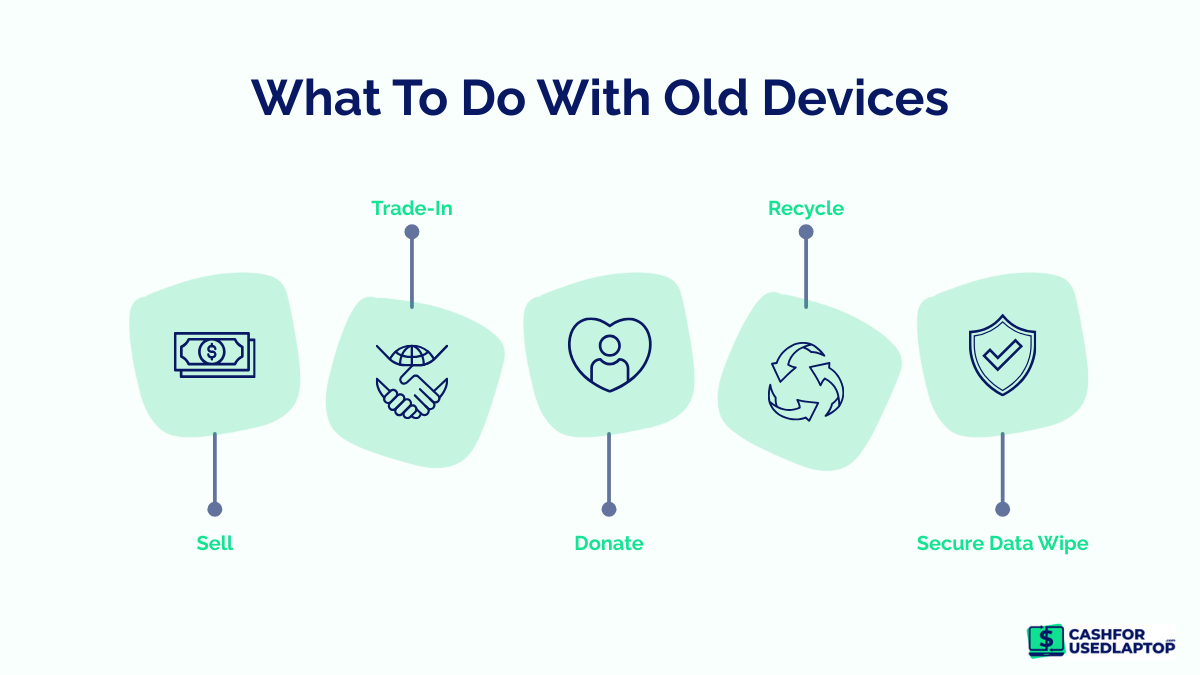
If a device does not make the cut, your next step should be action. Do not let your old hardware sit for later; that is the first step to hoarding. So, what to do with old devices?
Priority #1 – Sell
If the device is in good working condition, selling it should be your first option. Laptops, phones, and monitors have good resale value, but before selling, make sure all data is backed up and wiped. You can connect with Cash For Used Laptops and get good value for your old devices.
Priority #2 – Trade In
If selling feels like too much effort, trade-in programs are a good alternative. Manufacturers and even retailers accept old devices and offer credit or cash in return.
Priority #3 – Donate
Devices that still work but have low resale value can be donated. This way, you can help schools, communities, and other non-profit organizations take advantage of tech.
Priority #4 – Recycle responsibly
If a device is broken, outdated, or unsafe to use, recycling is the right choice. Use certified e-waste recyclers to ensure data is destroyed and materials are handled safely.
Conclusion
Tech minimalism is not a trendy term, but it is about actually working smarter. For startups, every device should have a clear purpose and actively fit into your current workflow. And if a device doesn’t, then it is just clutter. By auditing devices, you can make intentional choices and remove old hardware for responsible recycling, making your work more efficient. Take 2026 to be the year your startup works smarter and is not held back by leftover hardware.