RAM, SSD, GPU: Which Component Influences Laptop Longevity Most?
Image Source: iStock/ONYXprj
When investing in a new laptop, we often focus on the specs sheet, weighing the pros and cons of an i5 versus an i7, or 8GB versus 16GB of RAM. But what really dictates how long that shiny new machine will actually last? It’s a question that’s constantly bandied about in forums and tech circles, and the simple answer is: it’s complicated.
We’re not just talking about the laptop physically surviving a coffee spill; we mean its useful life—how long it stays fast enough to handle your daily grind without making you want to throw it out the window. Does the amount of RAM you start with hold the key? Is the robust, silent SSD the hero of durability? Or is it the GPU, the powerhouse for modern graphics, that seems to age the fastest?
Deciding which part is the most critical factor for longevity is a tricky business, as each plays a different role in a laptop’s eventual retirement, whether through technological obsolescence or plain old physical failure. Let’s dig into which of these vital components holds the most sway over your laptop’s lifespan.
The GPU: The Speed Limit of Progress
 Image Source: iStock/arthobbit
When we talk about the one component most likely to make your laptop feel old (not broken, just slow), the finger points directly at the Graphics Processing Unit, or GPU. This isn’t a story of physical failure, as GPUs are pretty robust. This is a story of technological obsolescence, where your hardware simply can’t keep pace with the demands of the modern digital world.
The Fluid Benchmarks of Software
Think about the software you use. Every year, operating systems get more visually complex, games demand higher resolutions and frame rates, and creative applications like video editors and 3D modeling software pull in the GPU for faster performance.
-
The Bottleneck Effect: While your CPU might still be capable of crunching numbers efficiently years down the line, a weak GPU becomes the single biggest bottleneck when trying to run these new, demanding programs smoothly. It’s the component that sets the maximum "speed limit" for what your laptop can handle.
-
A Fixed Investment: This is the critical point: In almost all laptops today, the GPU is a chip soldered directly onto the motherboard. Unlike a desktop PC, where you can simply slot in a new graphics card, upgrading a laptop’s GPU is impossible. You’re stuck with what you buy on day one.
Demanding Tasks Age Faster
If you use your laptop primarily for web browsing and emails, an integrated GPU might last you a decade. But if you have aspirations for anything more intensive—even light photo editing or dabbling in the occasional new game—that GPU investment is paramount. The march of technology is relentless in the graphics world, with new techniques like ray tracing and AI upscaling becoming standard features that older hardware simply can’t handle.
Ultimately, you can upgrade your RAM and swap out your SSD to give an old laptop a boost, but a slow, outdated GPU is a performance ceiling you can never raise. It is, without a doubt, the component most likely to force you into buying a completely new machine.
The SSD: The Quiet Hero of Durability and Perceived Speed
 Image Source: iStock/Dmytro Varavin
While the GPU might make your laptop feel obsolete, the Solid State Drive (SSD) is the champion of both physical durability and keeping your system feeling snappy for years. When traditional hard drives were the norm, the spinning disks were often the first component to mechanically fail, especially after a bump or a drop.
A Robust Design with No Moving Parts
The greatest strength of the SSD is in its engineering. By using interconnected flash memory chips rather than magnetic platters and a moving read/write head:
-
Shock Resistance: SSDs are vastly more resilient to physical shocks. Dropping your laptop is still bad, but the storage drive is much less likely to be the casualty it once was. This reliability dramatically reduces the chance of a sudden, catastrophic failure that wipes out all your data.
-
Mechanical Longevity: The theoretical lifespan of an SSD, measured in how much data can be written to it over time (TBW or Terabytes Written), usually far exceeds the typical lifespan of the laptop itself.
The Perception of Speed
Beyond durability, the SSD is the single most impactful component regarding your laptop’s perceived speed. The jump from a slow, mechanical hard drive to an SSD is often cited as the best upgrade you can make to breathe life into any computer.
-
Instant Gratification: Boot times, application launches, and file transfers happen in seconds rather than minutes. This consistent, fast access to data makes an aging laptop feel instantly modern, even if its CPU and GPU are years old.
-
Easy Upgradeability: In a world where components are increasingly soldered down, SSDs often remain accessible and easy to swap out. If your initial SSD is too small or you want a performance boost down the line, installing a new, larger, and faster drive is a simple process.
The SSD might not handle complex graphics processing, but it ensures your machine boots up every time you ask it to and feels fast every time you click an icon. For reliable, day-to-day longevity, the SSD holds significant sway.
RAM: The Simple Fix
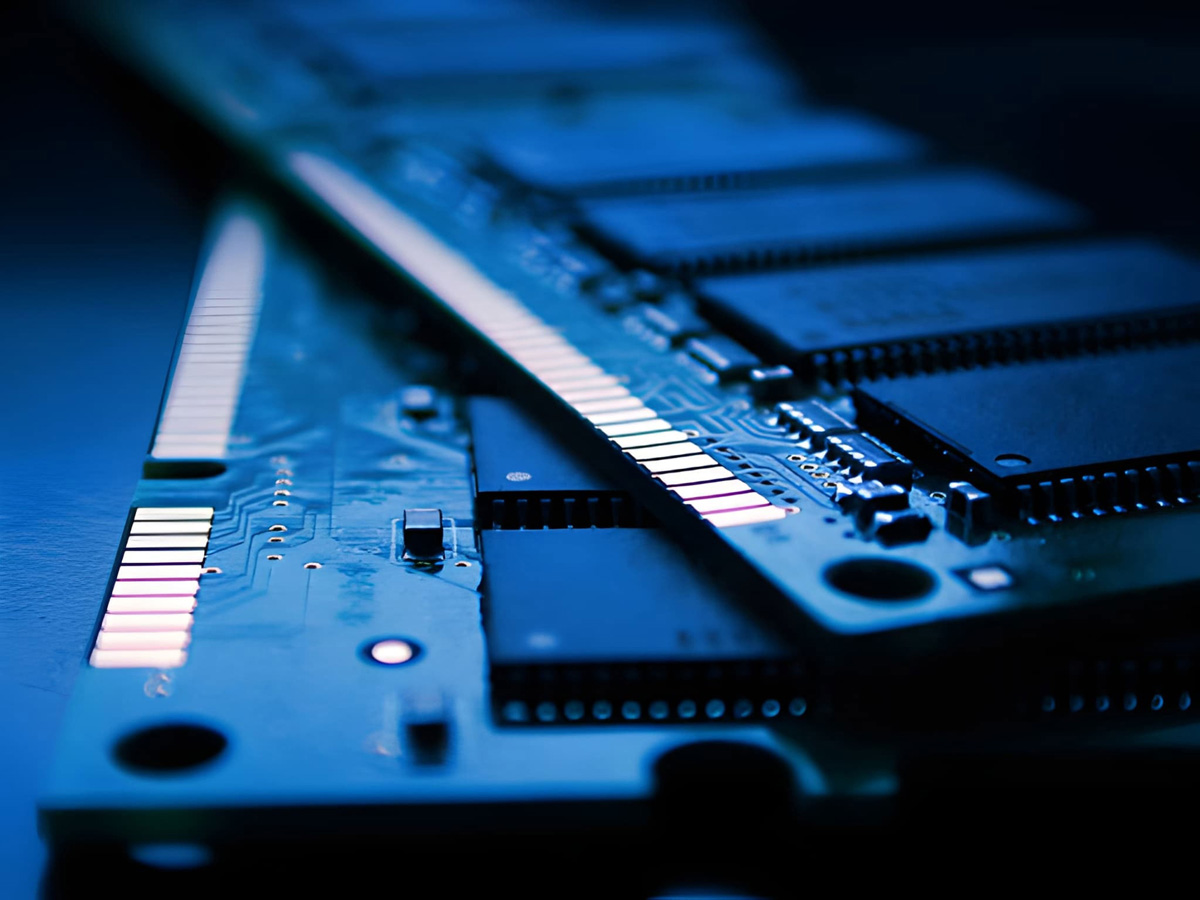 Image Source: iStock/nazarethman
RAM (Random Access Memory) occupies a middle ground in the longevity debate. It’s absolutely essential for performance—acting as your computer’s short-term workspace for running multiple applications at once—but it is rarely the primary limitation that forces a laptop’s retirement. The reason for this is beautifully simple: in most cases, it’s incredibly easy to add more.
A Matter of Desk Space
Think of your RAM as the physical desk space you have available to work on projects simultaneously.
-
Symptoms of Insufficiency: When you run out of RAM (your desk is full), your computer has to start using the much slower SSD as "virtual memory." This causes noticeable slowdowns, stuttering, and makes multitasking painful. It feels like your laptop is dying.
-
The Temporary Bottleneck: While insufficient RAM is a major performance bottleneck, it’s usually a temporary and solvable one. Most consumer and business laptops are designed with a small access panel or an easily removable bottom case that allows you to swap out or add RAM modules.
Affordability and Ease of Upgrade
You can usually find compatible RAM sticks for an aging laptop on retail sites like Crucial.com or Amazon.com for a relatively low cost.
The ease and affordability of the upgrade mean that RAM rarely dictates the ultimate lifespan of the machine itself. It doesn’t become obsolete like a fixed GPU, and it doesn’t usually fail mechanically like an old hard drive. The initial decision is often just ensuring you have enough for modern needs—16GB is the current sweet spot for most users—and the flexibility to double it later if necessary.
In short, RAM affects performance profoundly, but because it’s so easy to fix and extend the laptop’s lifespan, it won’t be the reason you throw your entire laptop away.
The Elephant in the Room: Heat and Build Quality
We can analyze the merits and limitations of the GPU, SSD, and RAM all day, but they are all just passengers in the machine you buy. The ultimate longevity of your laptop is heavily dependent on an external factor: the laptop’s overall build quality and heat management system. Excessive heat is the silent enemy of all electronic components.
Heat is the Great Degrader
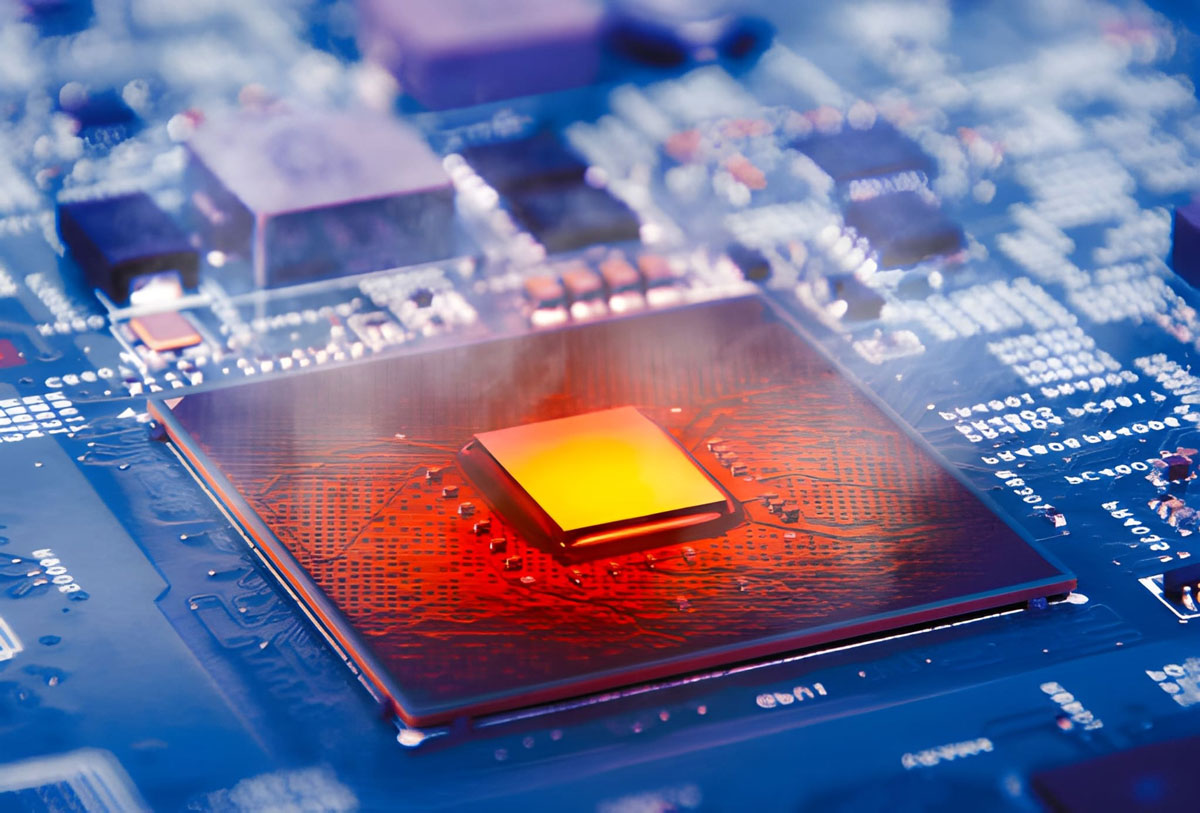 Image Source: iStock/Birdlkportfolio
The CPU and GPU generate the most heat, especially under load. If your laptop design features poor airflow, undersized fans, or cheap thermal paste, that heat gets trapped inside the chassis.
-
Component Degradation: Sustained high temperatures don’t just cause your performance to slow down (a process called thermal throttling); they physically degrade the components over time. The lifespan of your battery, the stability of the solder joints on the motherboard, and the maximum performance capacity of your CPU and GPU all suffer when temperatures run consistently high.
-
The Battery Factor: The battery is perhaps the most sensitive component to heat. A laptop that runs hot will see its battery capacity diminish much faster than one that stays cool, leading to a significantly reduced portable lifespan.
The Importance of Good Engineering
A high-quality cooling solution can make a mid-range laptop last longer and perform more consistently than a poorly designed, expensive model that constantly overheats.
To help your components last, simple maintenance matters. Regularly cleaning dust from the vents and fans, ensuring you use the laptop on flat, hard surfaces to allow for proper airflow, and even using an external cooling pad can significantly extend the life of the internal components.
Ultimately, the quality of the box housing those parts can be more influential on the total lifespan than the specs themselves. Don’t just look at the internal components; consider the chassis and cooling system that protects them.
At a Glance: How Each Component Stacks Up
Deciding which component influences longevity the most is challenging because each part affects a different aspect of the laptop’s life. Let’s break down the unique influence of each core component on your laptop’s potential lifespan, considering both performance decay and physical failure.
|
Component |
Influence on Obsolescence |
Influence on Physical Durability/Failure |
Upgradeability |
|
GPU |
High. As new software and games demand more graphical power, the GPU is often the first component to become outdated and unable to handle modern tasks smoothly. |
Moderate (due to heat generation). High temperatures from intense use can degrade the GPU and surrounding components over time. |
Low (usually soldered to the motherboard in laptops, making replacement impossible in most cases). |
|
RAM |
Moderate. Insufficient RAM can cause slowdowns, but adding more is a simple and effective way to extend a laptop’s functional life. |
Very Low (virtually unlimited theoretical lifespan, rarely fails). |
High (often easily accessible for upgrades). |
|
SSD |
Low/Moderate (depends on initial capacity). While a smaller SSD might fill up, the technology itself remains relevant and fast for a long time. |
High. With no moving parts, SSDs are more resistant to physical shock and mechanical failure than traditional HDDs. They typically last 5–10 years. |
High (usually easy to replace or add secondary drives). |
Summing Up: The Real Answer Depends on You
The question of which component influences laptop longevity most doesn’t have a single, universal answer; it depends entirely on how you define "longevity" and what you use your machine for.
If "longevity" means staying powerful enough to handle future software, the GPU is the most critical investment. Because it’s almost always soldered in place, the GPU you buy today sets the hard, unchangeable performance ceiling for your laptop’s entire existence. It’s the component most likely to become technologically obsolete.
If "longevity" means physical durability and a consistently snappy user experience, the SSD is the clear winner. Its resilience to physical shock and dramatic impact on perceived speed ensures the laptop remains a functional, reliable tool for years, and its easy upgradeability offers a simple path to sustained performance.
To maximize your laptop’s lifespan in both physical and technological terms, the best strategy is a balanced one:
-
Invest in a strong GPU/CPU combination that meets and slightly exceeds your needs today, focusing on models with effective cooling systems.
-
Ensure you have an SSD (and preferably one you can upgrade later for more space).
-
Start with sufficient RAM (aim for 16GB), but prioritize a model that allows for easy RAM upgrades down the line.
By understanding how each component plays its unique role, you can make a more informed purchase that ensures your laptop serves you well before you decide to sell it on a reliable platform like CashForUsedLaptop.