Data Destruction vs. Data Deletion: Know the Difference

Image Source: iStock/invincible_bulldog
Did you know that deleting data from your phone doesn’t always mean getting rid of it forever? But what if you really wanted to get rid of your data forever? What then? Let’s answer these questions and take a deeper look into Data destruction vs. Data deletion.
Why Do You Need To Delete Data?
Are you hoping to change your phone, or want to retire your company’s old laptops? Just throwing them in the trash won’t do. Not only is that a hazard to the environment, but these devices carry a lot of sensitive data, which should be removed before you recycle them for data security.
But how do you remove the data? Most people believe that they can simply delete the data or factory reset their devices, but that’s not the best way to go. Removing your data is not that simple, when you delete a file there are high chances that it’s still pretty much there but hidden.
This is a big problem for individuals and companies as their data can get into the wrong hands and be misused. Therefore, it is crucial to take necessary action and destroy your data completely before disposing of the device. If you are scratching your head, wondering what exactly we mean by destroy and what is the difference between deleting and destroying- don’t worry we will talk about that in more detail.
Data Deletion or Data Destruction- What Does It Even Mean?
We understand that many people must be surprised to learn that deleting their data is not enough; they must destroy it. Let’s explain these two concepts more clearly.
Data Deletion
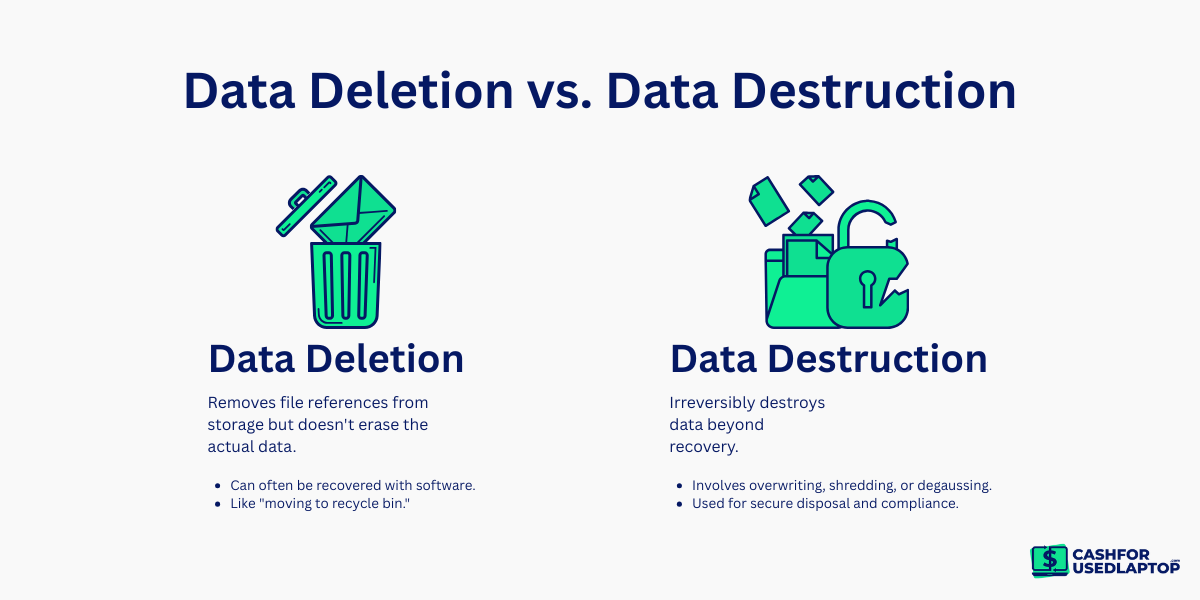
To put it simply, data deletion is digitally removing data from any device by deleting it yourself. This can often look like dragging any file to the recycle bin and calling it a job done. Some might even take more precautions and empty out the recycle bin, believing they have completely deleted their data. But nope, the file is still there.
This is because each file or folder on your system has a pointer that helps the operating system determine where the file’s data begins and ends. But when you delete the file from the hard drive, what actually happens is that the pointer is removed, and the operating system now believes that there is space for more files.
Any new data that comes in is considered to be overwriting. However, since it’s overwriting, it means the previous data is not gone for good. To recover the deleted data, all you have to do is use a recovery tool and scan your hard drive for deleted data.

Image Source: freepik.com/rawpixel.com
This can be a great technique for when you have accidentally deleted data and want to retrieve it. But if the deletion was intentional, this technique can raise some eyebrows. May even lead you to think why does the operating system have a hard time letting files go when the user is obviously trying to delete it.
The answer is simple. While removing the pointer doesn’t take long, it takes a lot longer to permanently delete files. Therefore, to increase efficiency, the operating systems are only programmed to remove the pointers. Now that you know what deletion is, how it works, and that it is not enough, let’s see what it actually is.
Data Destruction
While you and I can easily drag the files into the recycle bin, it takes a real expert to completely erase the data. Data destruction is used for when you want to completely remove data and delete all traces back to it and that’s not everyone’s cup of tea.
There are multiple ways to go about data destruction. Here are the standard practices:
Degaussing
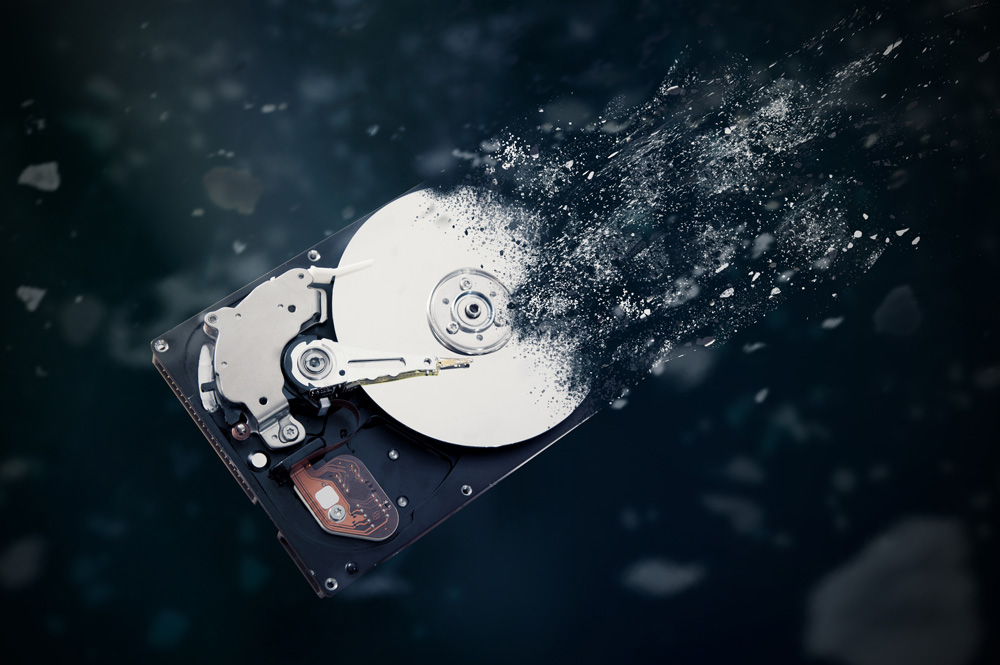
Image Source: iStock/baloon111
Degaussing is when a high-powered magnet is used to erase data from all magnetic components of your device, which includes hard drives. When these magnetic pieces are degaussed, they are rendered inoperable.
While this is a great way to destroy data, you cannot certify its destruction. You can only verify its destruction with an electron microscope, but that’s going to put a dent in your pocket.
Shredding
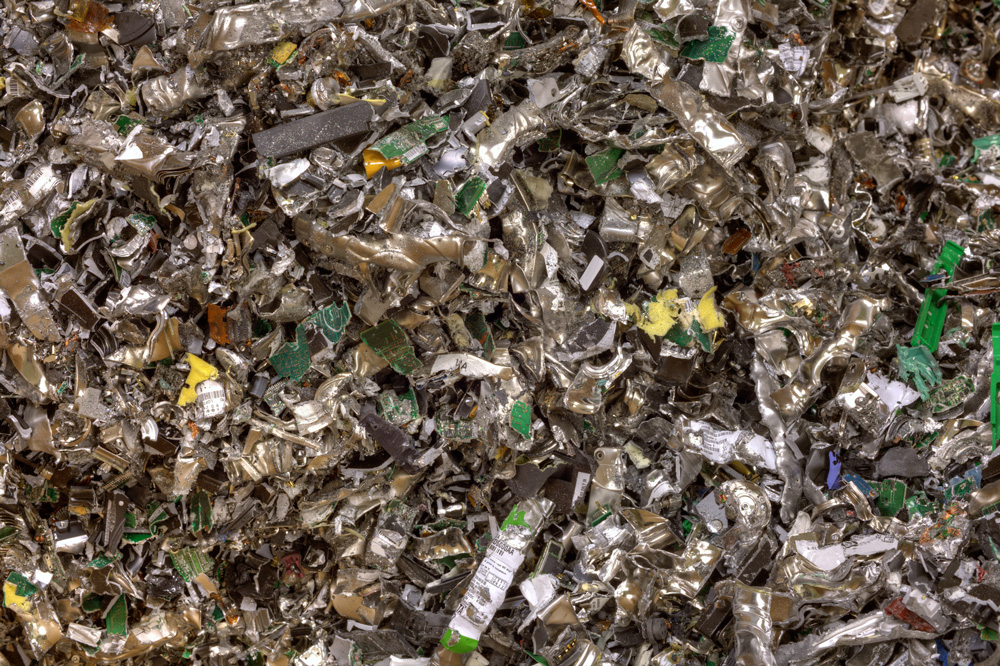
Image Source: iStock/hroe
Shredding is a form of physical destruction. Experts use an industrial machine to shred the device into bits completely. According to them, this is the most effective and budget-friendly way to ensure your data is gone without a trace. It can destroy almost all kinds of devices, such as motherboards, optical drives, and even credit card swipe devices.
This technique works best for companies with large piles of old devices that need a budget-friendly solution to destroy the data.
Crushing
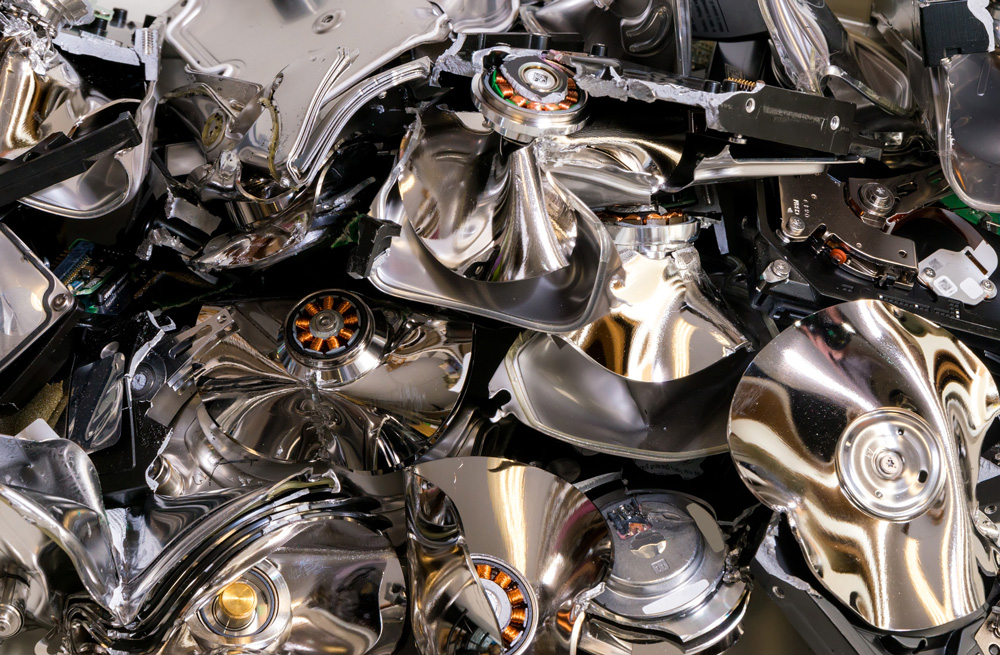
Image Source: iStock/madsci
Many of you must have seen the hydraulic press videos. They’re incredibly satisfying, but not only that, but crushing is also a great way to destroy your electronic device and the data in the way.
This method physically damages the storage media, rendering it useless.
Incineration
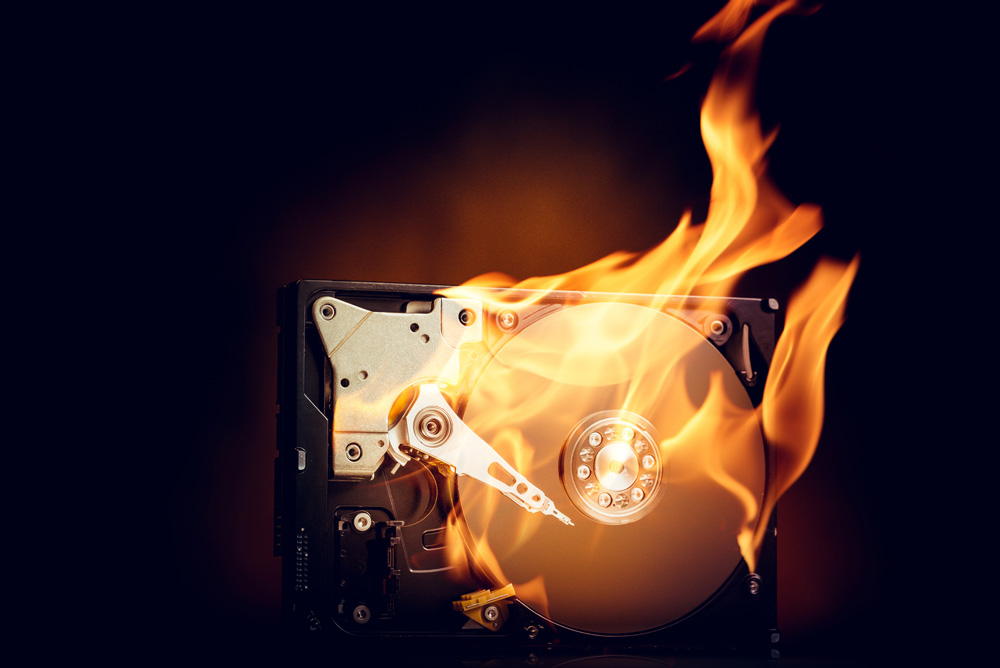
Image Source: iStock/D-Keine
The incineration process allows you to burn the media device in a controlled environment and ensures that nothing is left—no device, no media, and no storage. However, this is also not the most pocket-friendly or efficient solution if your company is deleting data in-house.
Cryptographic Erasure
Image Source: iStock/Niall
Data is protected using encryption keys, and the Cryptographic Erasure destroys these keys, making the data inaccessible and unrecoverable.
Wiping
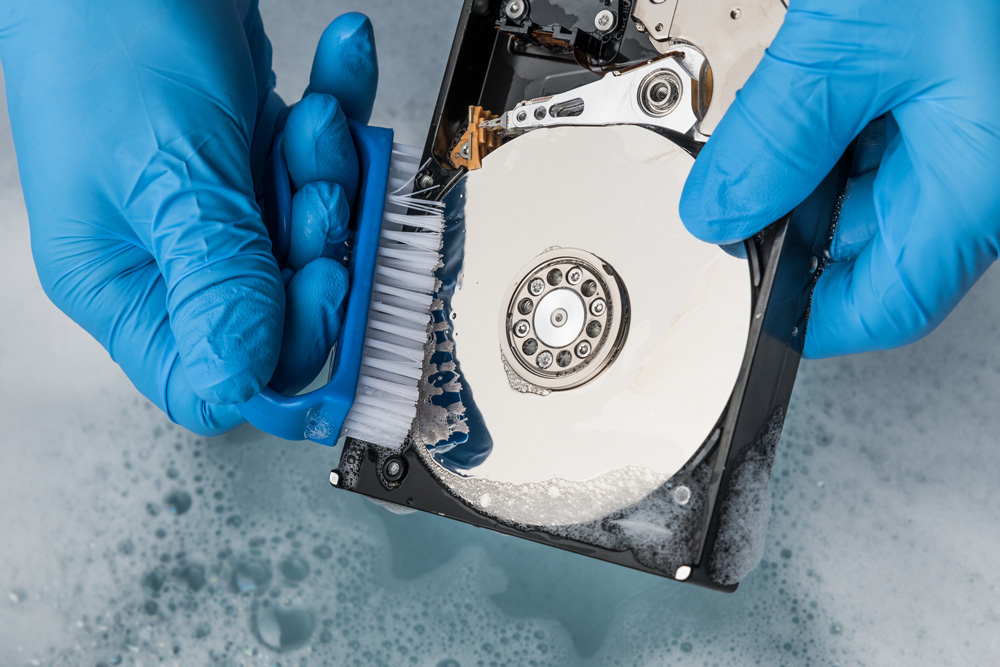
Image Source: iStock/D-Keine
Wiping the data means overwriting it so the others cannot read it. While the data is still accessible, it is useless as you cannot read it. The asset is connected to a bulk wiping device that wipes it all, so you can keep the storage capacity.
This is one of the more time-consuming methods, and if you want to wipe more than one device, it can take several days to do so.
Should I Use Data Deletion or Data Destruction? Let’s Find Out
It is better to be safe than sorry, and to that end, you must determine what method of data sanitization to use and when.
When To Use Data Deletion?
Data deletion can be used for multiple purposes, such as when deleting temporary files. If you previously made a copy of a file and now want to remove it, the best way is to delete it simply. No need to shred or burn your laptop.
Similarly, if you want to delete pictures or other files from your phone that don’t contain personal data, feel free to do so.
When To Use Data Destruction
Data destruction is mostly used for devices that store sensitive data. For example, if your device stores financial information such as sensitive bank details, it is best to destroy the data rather than delete it.
The same goes for disposing of your old gadgets if you don’t want a data breach. Destroy your data, and if the gadget is completely unreusable, why don’t you destroy the device itself?
On the other hand, if you are a business owner, data sanitization is not just for cybersecurity, but it is also a requirement for certain regulatory bodies. Institutes that deal with sensitive information are required to dispose of data to be certified securely.
What’s the Best Way To Sanitize Your Data?
It is important to ensure that your data is appropriately sanitized, and there are strict protocols that you should be mindful of. These tips can help you sanitize your data properly:
Calculate Data Sensitivity
The first thing you should do is determine the sensitivity of your data. If your data is highly sensitive, then you must be very careful when selecting a sanitization method.
Choose The Right Method
Once you determine how sensitive your data is, choose a method that works well to sanitize it. For example, if you do not have highly sensitive data, you can use sanitization techniques such as wiping or even degaussing.
Document Each Step
Documentation is essential regarding data sanitization, especially for compliance purposes. Therefore, you should record all important details, such as the date or the method used to sanitize.
Also, remember to take a data destruction certificate as it may be a requirement for different regulatory bodies.
Let Professionals Help
If you are planning to sanitize your data, the best approach is to let an expert help you. Businesses and organizations with many devices to sanitize should hire responsible data destruction services. These services have the right people, tools, and experience to sanitize your devices expertly.
If you’re looking to sell your laptops, reach out to us! We have a bulk selling program where we buy used laptops in large quantities and give you instant cash.