How to Extend the Life of Your Laptop with Proper Maintenance?
We are often told and even see that laptops die a natural death every 3-5 years. The performance becomes patchy, storage becomes too low, or the hardware just cannot keep up with the lightning-fast latest software.
While these things help companies like us who deal in used laptops buying and selling, it isn’t a great thing for users to go through every few years. So is there anything you can do to keep your laptop lifecycle going for as long as possible?
Below we share 10 laptop maintenance checklist items to help you prolong your computer’s lifespan and get as much performance and productivity out of it as you can.
1. Keep the food and drinks away
Extreme temperatures, water, and humidity are some of the worst laptop enemies. You are already on the right track if you refuse to eat or drink around your laptop and keep it away from water or liquid spills.
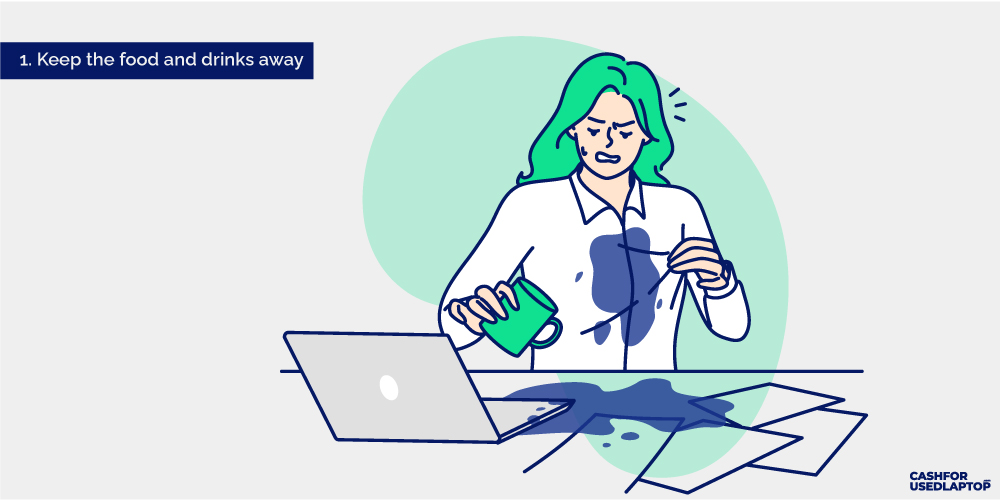
Avoid eating and drinking near your laptop
- Keep your drinks at a distance. If you working on an all-nighter and can’t step away for a food break, ensure your drinks are at least 20-30 centimeters away from the laptop. Distance will keep potential slips away from the risk zone.
- Clean up the crumbs. Tiny crumbs can get in and around the keyboard. Vacuum it away gently so your keys can keep working fine.
- Buy a laptop stand. If you often eat or drink around your laptop — looking at ya’ll gamers — consider buying a laptop stand. That way you can play and eat and not let either spoil the other. Furniture and accessory stores like Branch, Rain Design, and Moft have some of the best stand designs at affordable prices.
Treating your laptop with care and respect helps you get the most out of what it has to give.
2. Invest in dedicated hardware cleaning
Shut down your computer and spend a few minutes each week on your laptop hardware maintenance.
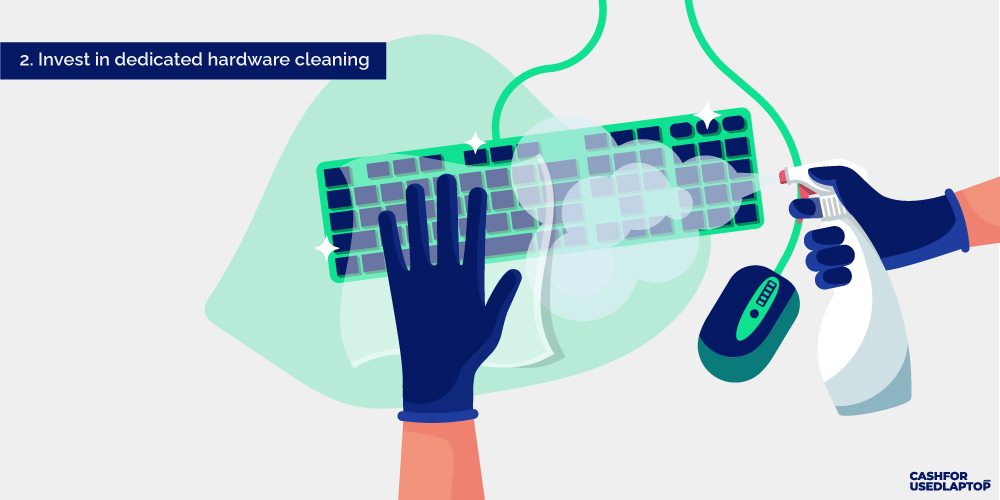
Use specialized cleaning equipment
- Use a microfiber cloth with a gentle cleaning solution. Damp the cloth with the solution and gently wipe away all fingerprints and smudges.
- Use a vacuum cleaner to remove accumulated dirt and dust. Modern vacuum cleaners come with special electronic component attachments. Or you can buy one online. Look for a small, handheld vacuum cleaner with a soft brush attachment.
- Conduct deeper cleaning every few months. For this, you must remove the cover and lid and thoroughly clean the insides of the sensitive laptop. If you are not confident of handling it properly, let a computer repair technician help.
A clean computer ensures optimal airflow, prevents scratches and extends the system’s lifespan.
3. Ensure all systems and software are up-to-date
Up-to-date software is integral to proper laptop lifecycle management. They keep the system running smoothly and save it from several security issues.
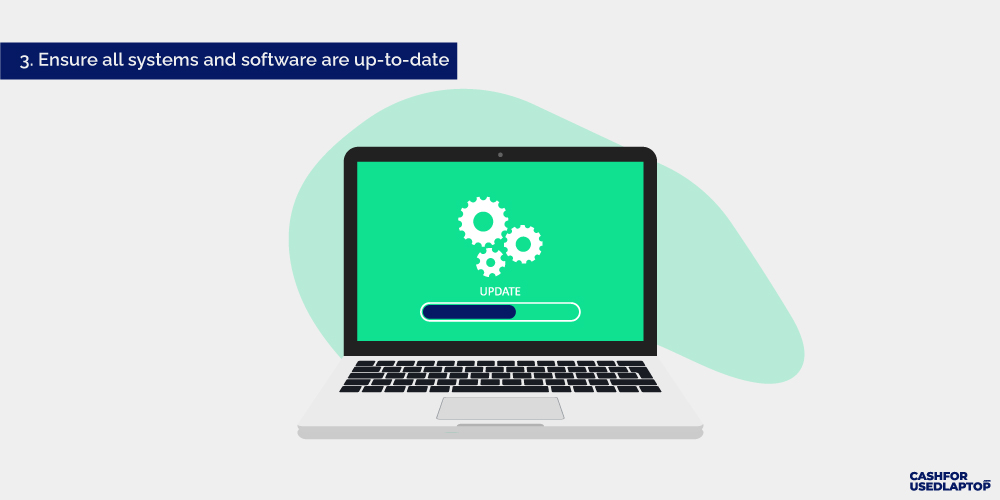
Regularly update your operating system and software
- Enable automatic updates. This ensures your system is equipped with the latest bug fixes and security patches even if you forget to install updates manually. But don’t let that deter you from manually looking for available updates. This double protection guarantees stronger protection and efficiency for your systems.
- Ensure all drives are up-to-date too. Outdated drivers can leave lags in performances and cause stability issues. The best place to download drivers is directly from the manufacturer’s site. But if those aren’t available, sites like DriverGuide, Softpedia, and MajorGeeks are great resources.
- Do not shut off the laptop during updates. Let your system install updates at ease. Keep the battery optimally charged and follow through with software update protocols.
Computer support specialists consider these updates as regular touch-ups. Much like you’d maintain a car with regular tune-ups, these updates retain your laptop’s optimal efficiency and keep it from harm’s way in several different ways.
4. Keep it virus-free
Modern laptops come equipped with strong anti-virus programs that defend the system against most virus and malware attacks. Yet, more robust protection is needed to ensure its safety against more aggressive attacks.
Install and maintain antivirus software
- Buy a good anti-virus program. Anti-virus software like McAfee, Avast, and Norton are reputable names. They may cost a bit but you’ll get better software protection of your system against malicious attacks.
- Keep away from suspicious online sources. These include suspicious websites, doubtful links, and fake emails. Never click on a link or open an email that sounds fake or untrustworthy. Go with your gut when things don’t seem right online.
- Run regular malware scans. Malware can degrade your computer performance causing it to slow down or become exposed to cybersecurity threats. Install anti-malware programs or firewalls to monitor your networking traffic and remain on top of things.
Safe browsing habits can extend your laptop’s life by protecting its systems and ensuring the software works like a well-oiled machine.
5. Optimize Laptop storage
Another thing that damages a laptop’s performance and leads to an eventual degradation of performance is its storage. Storage is a big ticket time in gaming laptop maintenance too because you need a ton of storage to store all those heavy-duty files. Too many files and apps on the laptop can cause all sorts of issues. Things like slow booting, security threats, and performance drag.
Regularly clean up and organize your laptop’s storage
What can you do?
- Remove unnecessary files. Identify files, apps, and software you don’t use or very rarely use. Look for duplicate items too. And then remove them all and let your disk space breathe!
- Delete temporary files. Use the built-in Disk Cleanup tool on Windows to remove all temporary files. Mac users can install third-party disk cleanup tools to get the job done. CleanMyMacX, CCleaner, and Onyx are highly recommended.
- Clear browse cache. Cache can slow down browser performance and make you feel frustrated with your laptop. Clean up your browser cache, cookies, and history to declutter the space and improve performance.
If you have a traditional hard drive, perform disk defragmentation to free up disk space. Modern SSDs don’t need this extra step. In any case, however, keep your large files and apps stored on the Cloud or external hard drives to ensure your laptop storage is light as a feather and only runs programs it needs.
6. Optimize startup and background processes
Very few things make a laptop feel like a slow and old machine than the time it takes to fully boot and start up. Before you give up on an old laptop and get ready to sell it online, examine its startup and background processes.
Manage startup and background processes
- Give your Task Manager tool a thorough look. While your laptop needs to run several essential programs at the startup, your Task Manager can lead you to apps and software that don’t need to run every time you start your system. Identify them and remove them from your startup processes.
- Set up programs to run manually. Disable all unnecessary utilities and update checkers that don’t need to run daily. Set them up for manual activations to preserve computer resources.
- Do not run several apps simultaneously. A few are fine but if you overwhelm the system with several processes running at the same time, you’ll experience a slow performance and even glitches and system hangups.
Remember that while slow performance doesn’t necessarily affect the laptop’s lifespan, it can make the system look weak and outdated. It may even prompt you to sell a used laptop before you’re ready. So, consider speed and performance as key features of your fleet management strategy and monitor the two closely to ensure optimal performance across all devices.
7. Take care of the battery
Laptop battery malfunctions can be the quickest way to make you want to sell your gaming laptop. Gaming laptops usually come with big video chips and smaller battery sizes and you can be out of juice in under 7 hours. So how can you ensure laptop battery maintenance so it runs as fast as a Macbook Pro or an Asus Zenbook 14 OLED (UN5401)?
Follow best practices for battery care
- Keep your laptop plugged in. If you work on your desk most of the time, then it’s best to keep your laptop plugged in as repeated charging cycles can shorten battery life. Keep the battery between the 20-80% charging range. Plug it in when it reaches 20% and stop the charge when it’s 80%.
- Manage power settings. Adjust your system’s power settings to make it’s making optimum use of the battery. Battery-saver modes provide the best balance between performance and battery health.
- Do not shut down or restart repeatedly. It can damage your battery life and may cause file corruption too. Instead of shutting down the system every time you go on a break, even an extended one, put it to sleep and avoid abrupt shutdowns.
Laptop battery maintenance tips also require taking care of the charging hardware. This means no more stuffing the poor charger any which way in your laptop bag. It can damage the joints and connectors. So roll them up properly and put them in a padded section for proper care.
8. Let your laptop breathe
Your laptop generates a lot of heat when it runs. All those complicated tasks like content creation or gaming that we take for granted, result in significant heat production that must be dissipated. If it doesn’t, laptop systems can become overheated and cause damage to internal components.
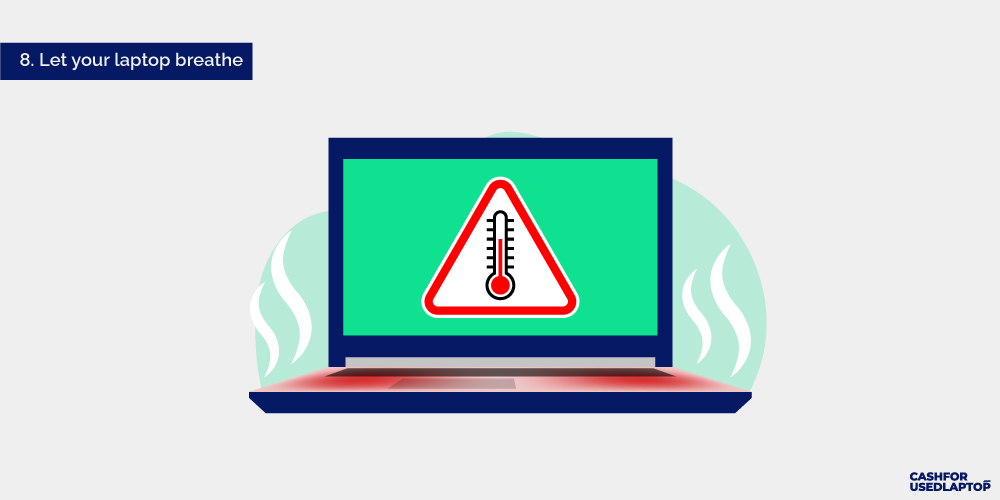
Keep your laptop well-ventilated
Here are a few preventive steps you can take:
- Monitor system temperature. Built-in system sensors can help you see if your laptop is at a safe temperature level and fan speed. If it’s not, adjust your power settings, fan speeds, and cooling systems to fix the issue.
- Keep the laptop in a well-ventilated area. Do not overheat it by placing it over pillows or blankets. Use hard, even surfaces to ensure the heat doesn’t get trapped and damage the laptop insides. Also, avoid exposing the laptop to extreme temperatures.
- Keep the system vents clean and dust-free. Pay close attention to your laptop’s fans and vents when cleaning the insides of your laptop. Gentle vacuuming should take care of accumulated debris and dust. This is important as dust built up can hinder the airflow and cause the laptop to overheat rapidly.
Focus on unobstructed airflow as one of the most important laptop maintenance tips. It can prevent your laptop from a lot of heat damage and prolong its lifespan. As a professional laptop seller, we can tell you that systems that are prone to overheating never sell well, regardless of how pristine their condition is.
9. Handle your laptop with care
If two procedures should be done before performing preventive maintenance on a laptop, they are treating the laptop with care and respect. Gentle handling will ensure a long laptop lifecycle, keeping it free of hardware damage and software issues.
Avoid dropping or mishandling your laptop
In addition to everything we have discussed so far, here are some more laptop maintenance tips to consider:
- Do not take it near water. Ignore all those ads of people working on beaches or near pools. Water is your laptop’s sworn enemy. Keep the two away to ensure a long and healthy life for your laptop.
- Use a surge protector. Sudden power surges can cause extensive damage to laptop components. Invest in a surge protector to prevent your system from meeting that end. Brands like APC, Belkin, and Tripp Lite make some of the best surge protectors for modern laptops and extension cords.
- Buy a nice laptop bag or sleeve. Laptops are made for traveling so don’t take all these maintenance tips to mean you must always use them chained to a desk. A padded laptop bag or a cushioned sleeve are great laptop accessories to keep the computer protected during commutes or long travels.
When looking for laptop care tips, remember that computer hardware is usually the culprit when a laptop bites the dust. Outdated RAMs and inefficient batteries cause good working laptops to become obsolete and recycle-worthy. So when you begin to feel performance lags or battery outages, upgrading these parts is a much better decision than selling your laptop.
10. Future-proof your laptop purchase
With laptops going obsolete every few years, wouldn’t you want a machine that can sustain newer software updates for several years to come? Make that happen by buying a laptop with better, stronger configurations than you currently need. These configurations will ensure your laptop has the engineering capacity to take on stronger software changes as they are developed and released.
Invest in a laptop with specifications
- Look for the latest processor. Seek more cores, faster clock speeds, and a generous cache space. Newer processors also offer better graphics card models and handle high-quality video games with a much sharper image and video quality.
- Go with double the RAM that you need. 8 GB of RAM can take care of most laptop processes, but 16 GB will future-proof your software needs. As regular updates make your apps bulkier and heavier, a stronger RAM will be more than ready to take up the task of smooth performance.
- Prioritize battery life over UHD screens. A Full HD screen with 1080 resolution is more than enough for most gaming and video browsing. You can go for a UHD screen but you’ll be sacrificing good battery life in the process.
A future-ready laptop may be an expensive purchase at the moment, but it’ll save you tons of money in repair costs, performance troubles, and lost productivity hours. If you are looking for an easy way to supplement this gadget upgrade, consider selling your old laptop and using the money to fund a sleek new PC.
Here’s to keeping our laptops alive and kickin’!
Laptops may have become a need for modern life but they are expensive devices and very prone to accidental deaths.
A simple coffee spill is all it takes.
So when you are looking for easy and efficient laptop lifecycle management tips and best practices, we hope we have done justice with this extensive guide.
Use these tips to initiate a regular practice of TLC towards your laptops to keep them functioning, happy, and as far as away from rising e-waste piles as possible.
All Image Source: iStock.com